Seedream 5.0 — AI image generator in Phygital+

Advanced image generation model that goes beyond prompts — it understands intent, context, and visual logic. Combines deep reasoning, real-time knowledge, and precise control to create accurate, production-ready visuals. Ideal for layouts, brand systems, product imagery, and content that requires consistency and detail.

Access and run models in one Phygital+ workspace, without
juggling multiple tools and accounts.

100+ teams use Phygital+

At a glance

Phygital+ isn’t just a platform — it’s a hands-on partnership. We guide your team through every step of adopting AI in real workflows.

Image generation + editing

Generate new visuals and refine existing images with controlled changes.

Best for posters, ads, packaging mockups

Built for production assets where layout and clarity matter.

Readable, text-accurate visuals

Cleaner typography for headlines, labels, and CTAs.

Targeted updates, consistent composition

Change details without breaking lighting, framing, or style.

What you can create with it

Task & What Seedream delivers

Trend-aware campaign visuals

Pulls current context via online search — no manual reference assembly
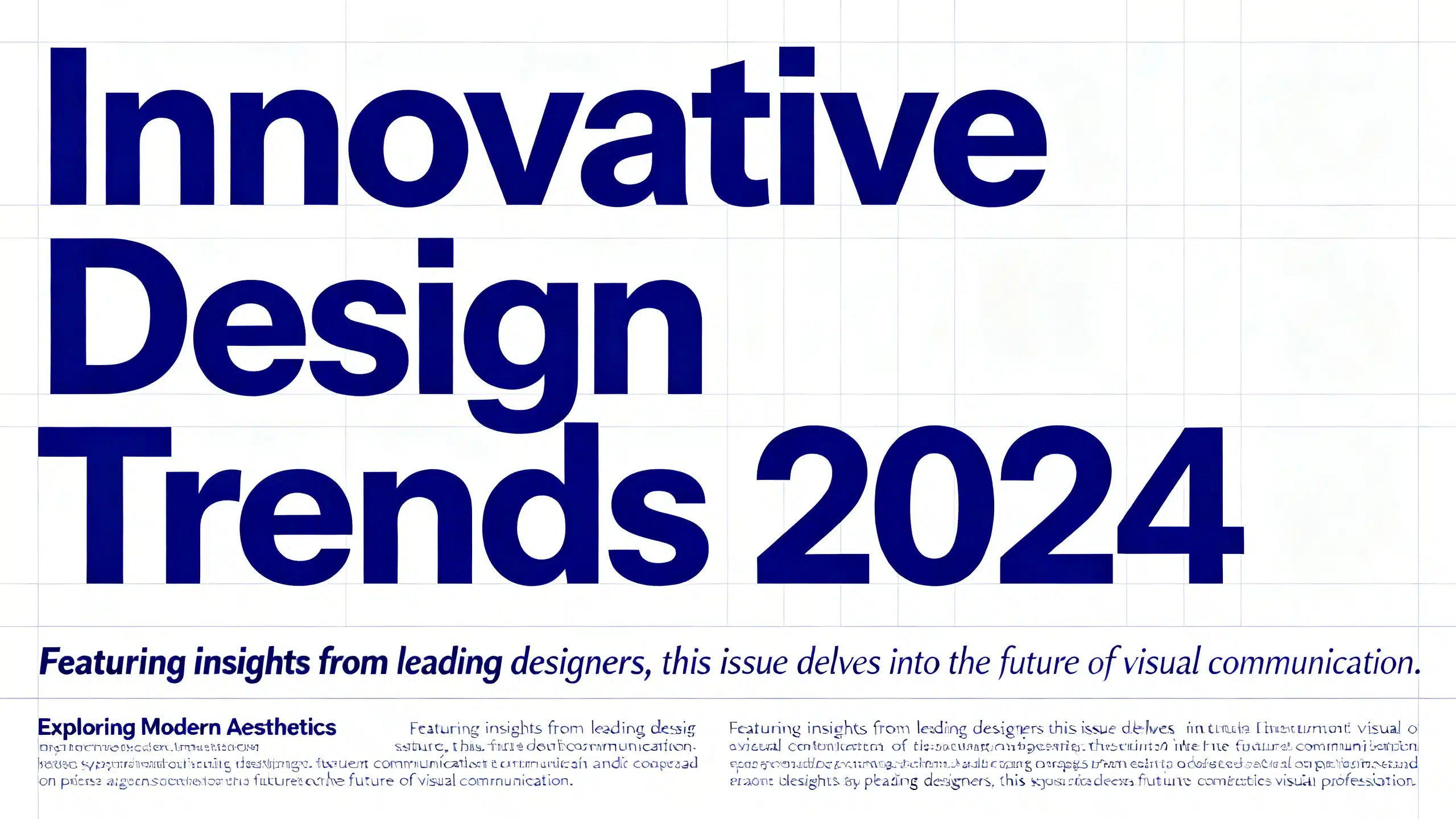
Structured editorial posters

Readable hierarchy, accurate text, correct layout from a short description
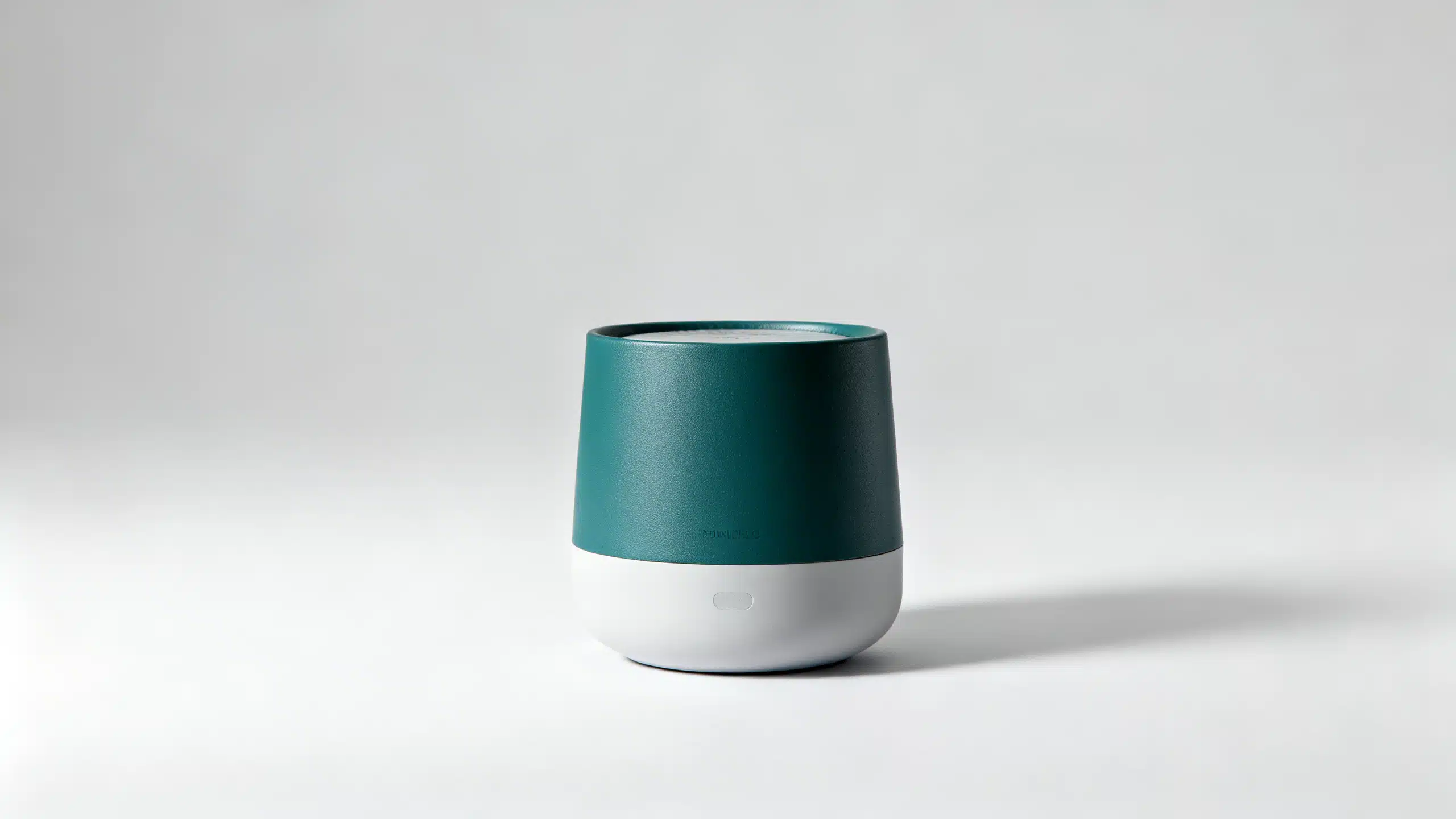
Product photography

Centered composition, controlled lighting, clean background — exactly specified
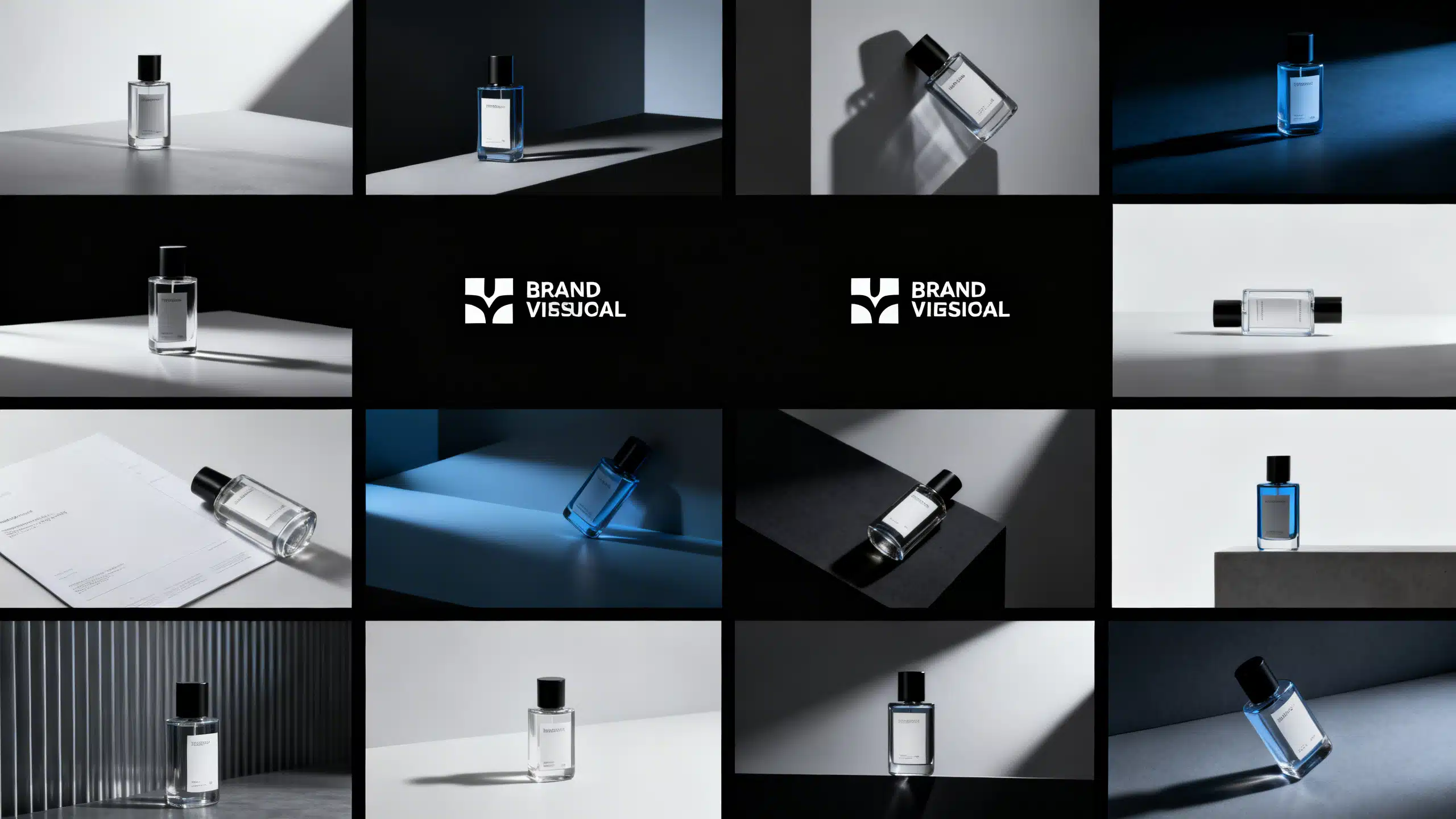
Brand asset series

Up to 10 reference images for consistent style across a full campaign batch
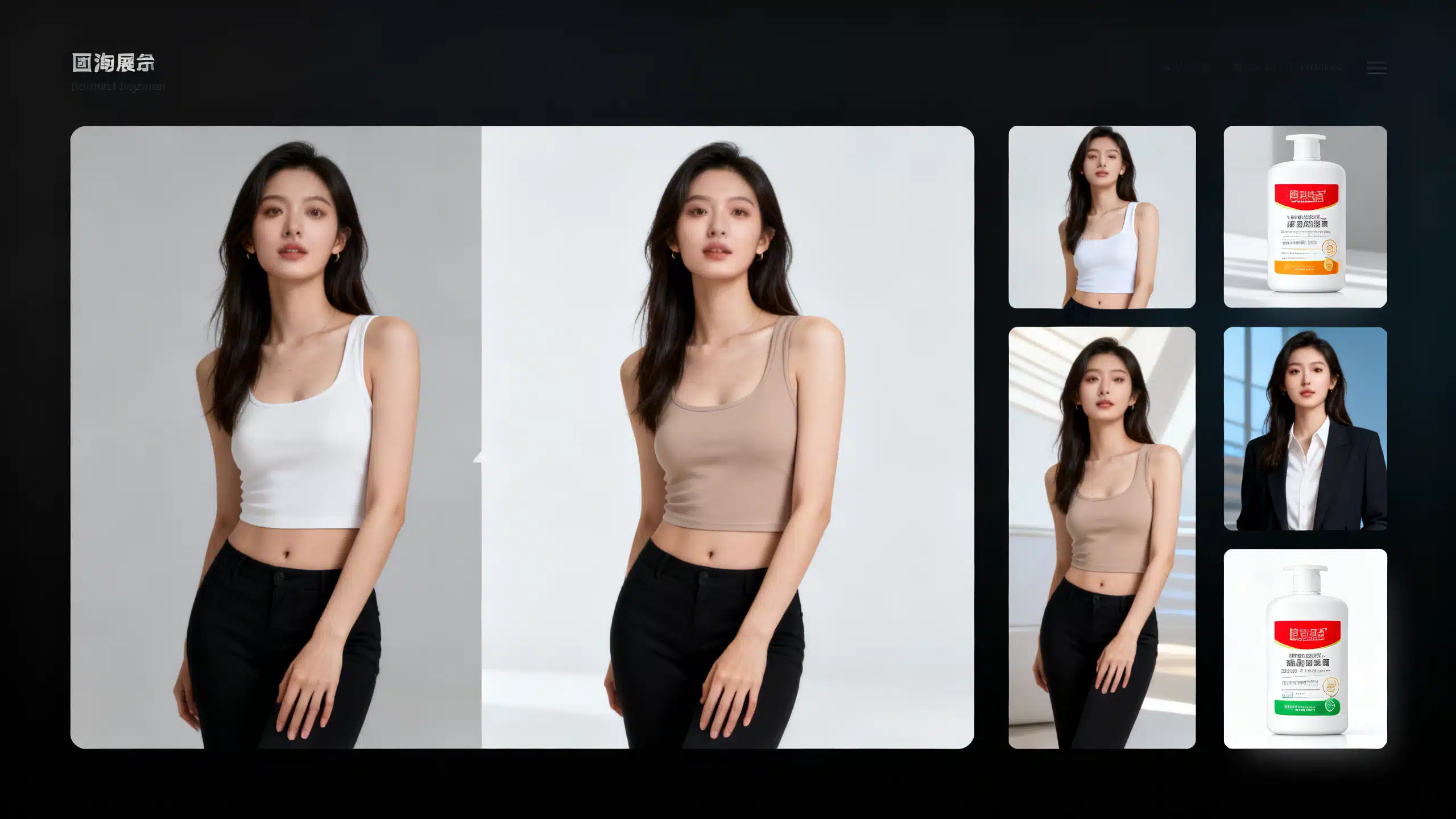
Targeted image editing

Change outfit, background, or product label while keeping face and pose intact
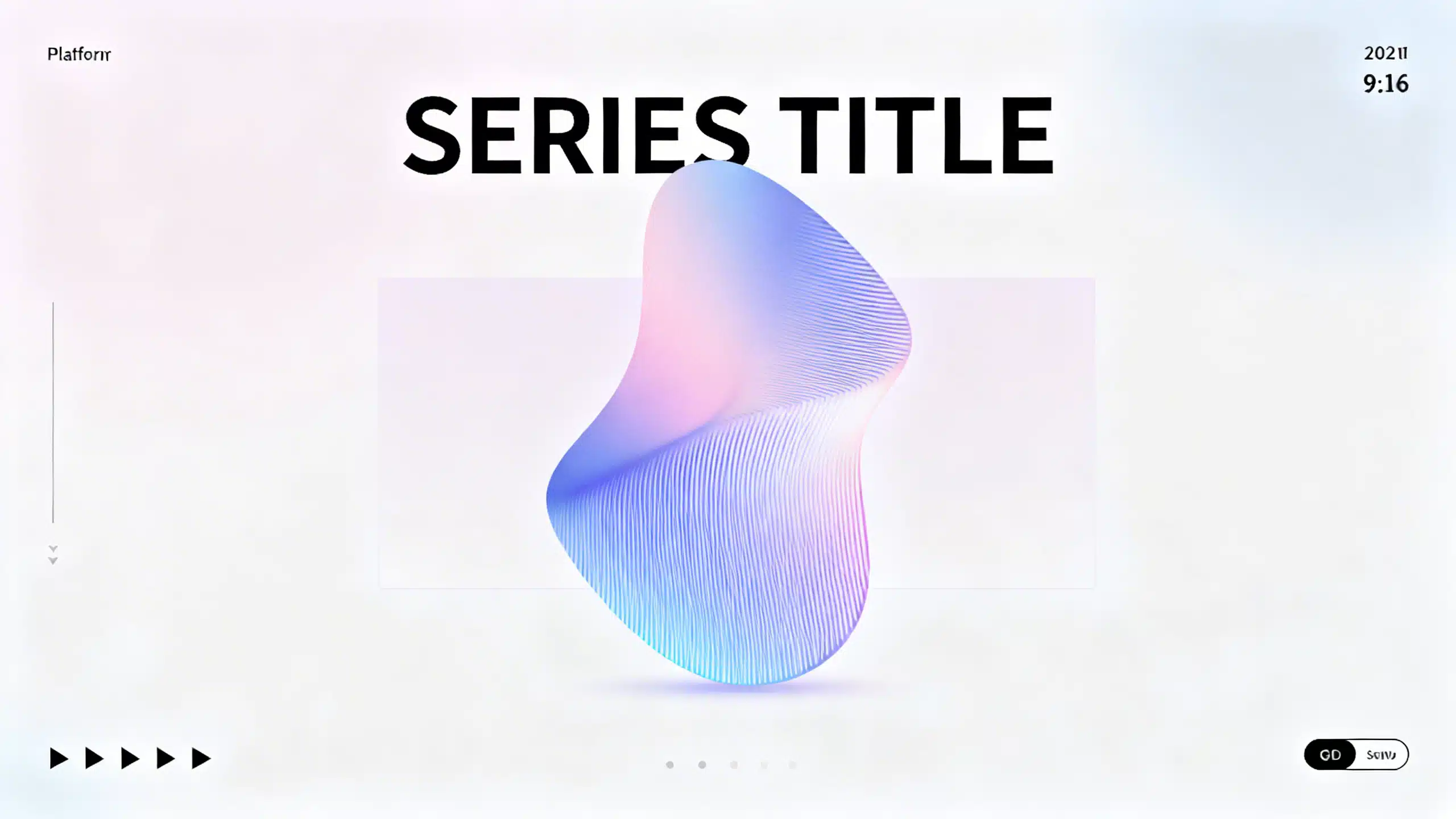
Social media content

Platform-ready aspect ratios with consistent visual tone across a series
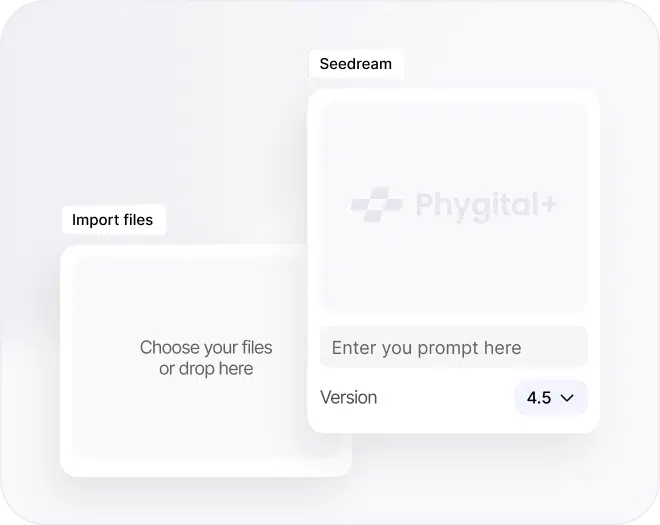
How to use Seedream

Start with an image or node

Upload your image to edit, or choose the Seedream node to start from scratch and set the right workflow.

Enter your prompt

Describe the scene and desired outcome. The model understands lighting, mood, and on-image text instructions.

Iterate to the final result

Get a new creation in seconds, then refine until it’s right — iterate, edit, or download when you’re done.

Generated with Seedream

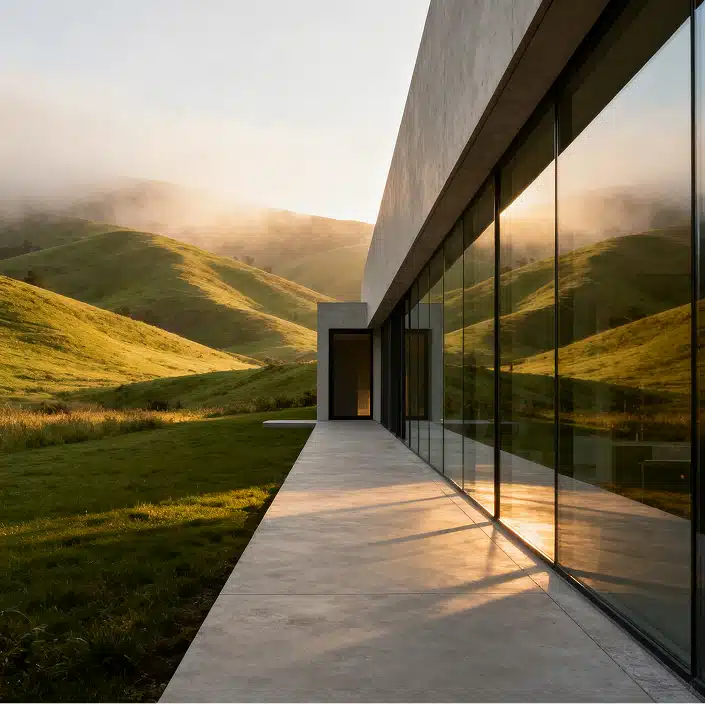
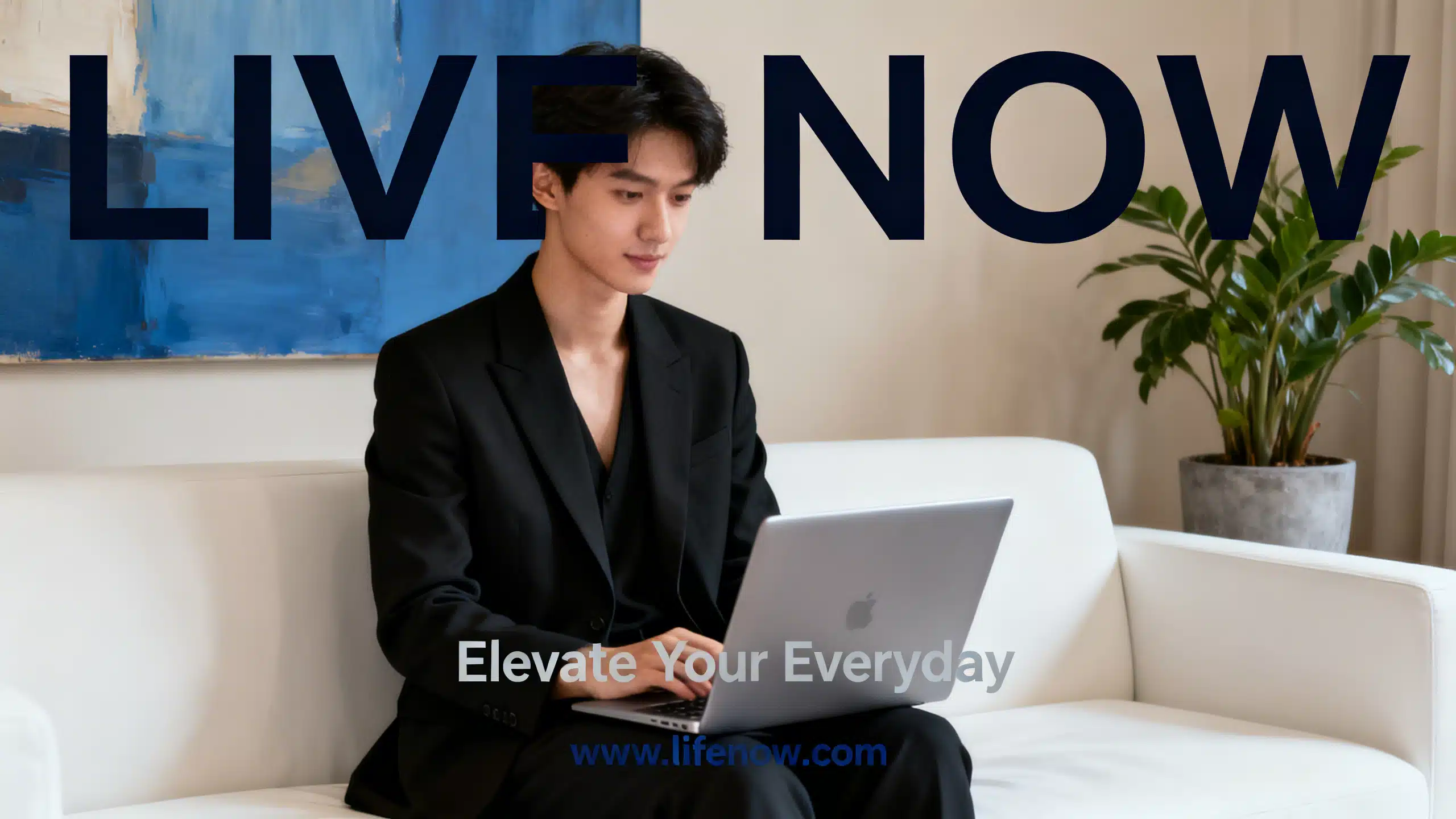
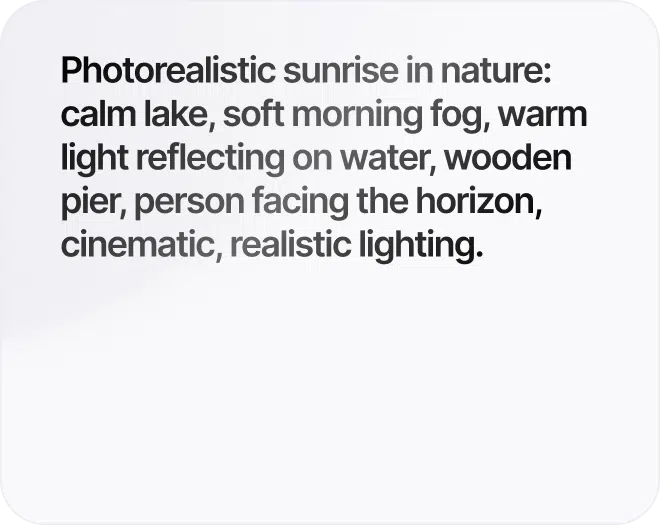
Explore real examples made with Seedream. Each card includes the final image and the exact prompt — copy it, generate, then tweak it to match your product, brand, or scene.

Seedream inside Phygital+ Workspace

Most image generators stop at the output file. On Phygital+,
Seedream 5 is the starting point of a complete visual workflow:

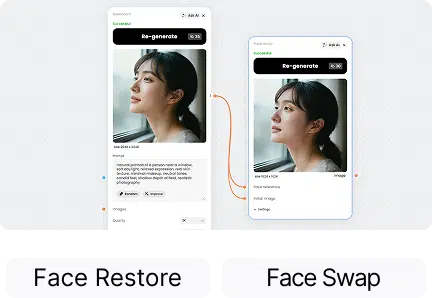
Generated a portrait

Refine it instantly with Face Restore or swap in a different face with Face Swap

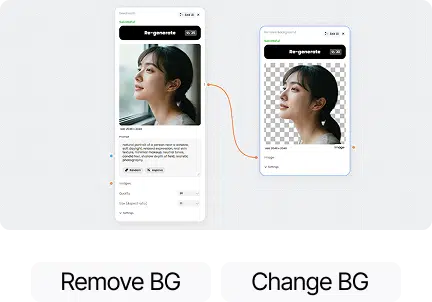
Created a lifestyle scene

Remove or replace the background with Remove Background or Change Background

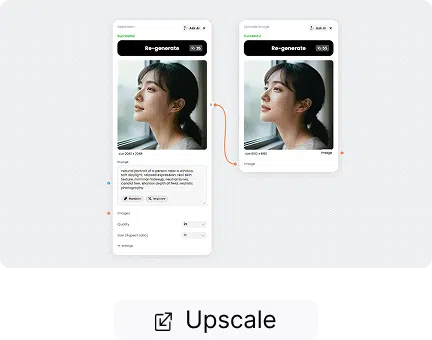
Need a higher resolution version

Send straight to
Upscale Image

Want to animate the result

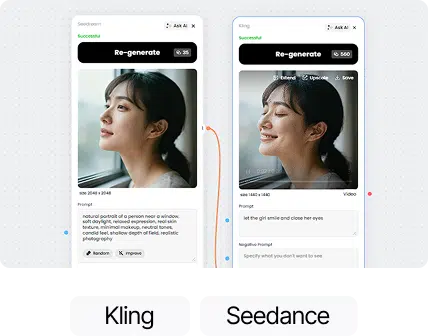
Pass it to Kling or Seedance for video output

One workspace. One subscription.

No copy-pasting files between services.

From idea to exact result

Understands what you mean — not just what you write

Seedream goes beyond standard text-to-image models by using multi-step reasoning and intent-aware generation. Instead of simply visualizing keywords, it interprets complex instructions and understands the logic behind them. Even with short or ambiguous prompts, the model can infer the desired outcome and produce structured, accurate visuals — closer to how a human designer would approach a task. This makes it especially powerful for complex compositions, storytelling visuals, and scenarios where relationships between elements matter.

Edit exactly what you need — nothing more

Seedream enables highly controllable, targeted editing, allowing you to change specific parts of an image without affecting the rest. It preserves composition, lighting, and structure in untouched areas, reducing unwanted changes and keeping outputs clean and consistent across iterations. This results in faster workflows, fewer manual fixes, and more predictable production-ready visuals.

Explore more AI models

Discover the best-performing AI models in one place — generate images and video, enhance quality, and build faster creative workflows without switching tools.

FAQs

Answers to common questions about using Phygital+ and generating AI-powered logos.

Pro is built for stronger control, cleaner text rendering in visuals, and more production-friendly editing workflows.

Yes. Phygital+ lets you generate high-quality product photos in seconds. You can upload existing product images or create new ones from text prompts. The platform supports realistic lighting, multiple backgrounds, and style training so your visuals always match your store’s look.

Absolutely. You can create banner ads, Instagram posts, and video creatives optimized for Meta, Google, TikTok, and Pinterest. With creative templates and AI pipelines, you can test multiple versions of the same ad to see what performs best.

You can train Phygital+ on your brand style and brandbook. Once trained, the AI automatically applies your brand’s fonts, colors, and tone to all visuals. This ensures your e-commerce store, ads, and campaigns look professional and unified.

Yes. Phygital+ includes advanced tools for background removal, color correction, outpainting, and retouching. You can replace product backgrounds, change lighting, or even generate new scenes — all with a single click.

Unlike single-purpose AI tools, Phygital+ connects 30+ models (like Flux, Recraft, Runway, and GPT-Image) in one workspace. You can chain them into workflows — for example, generate product photo → upscale → add background → create banner — and save that pipeline to reuse anytime.

Ready to work faster?

Join content makers using Phygital+, every tool you need in one place.