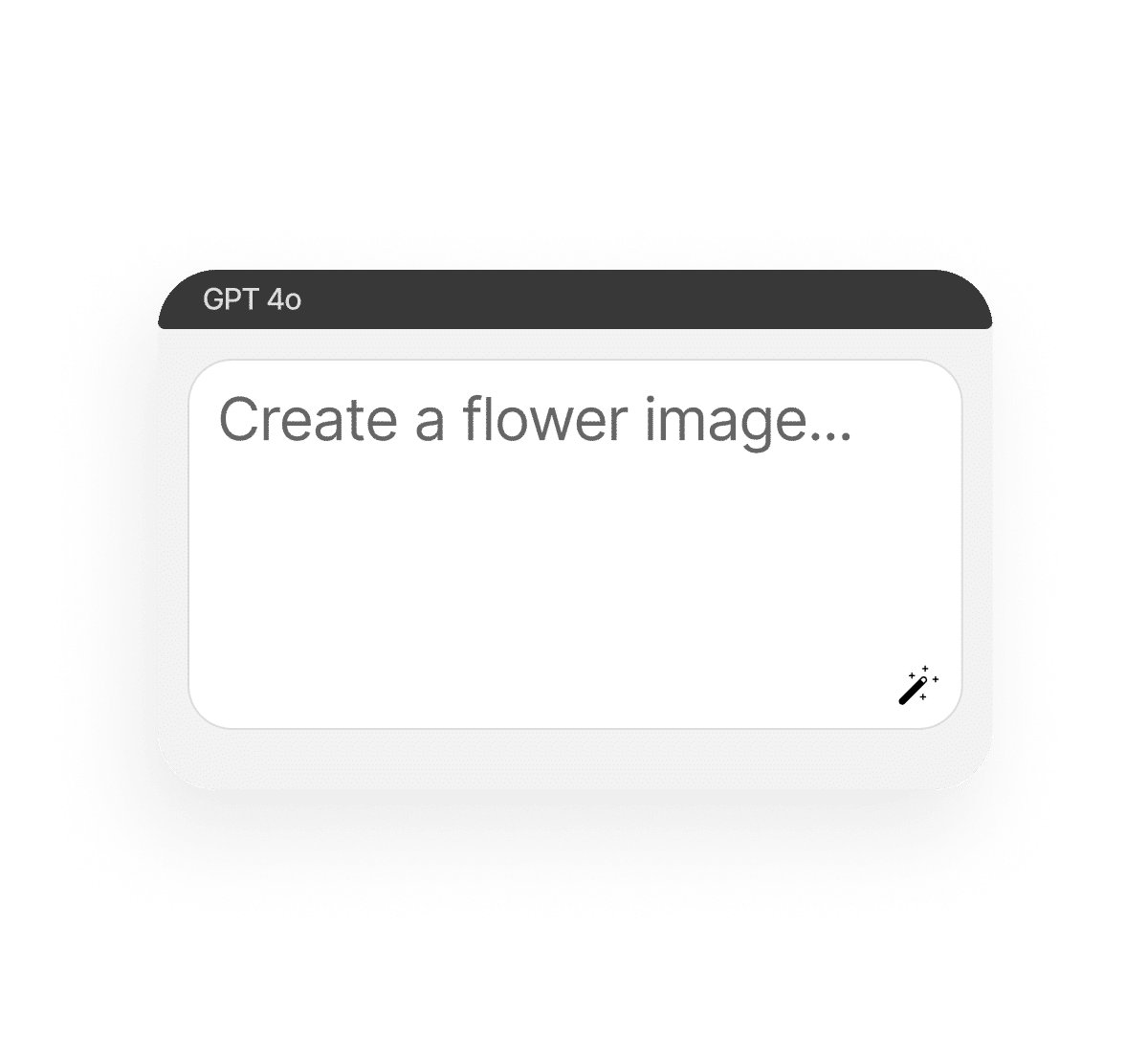
Bring beauty to your projects with our AI flower generator — free, fast, and endlessly creative. From single blossoms to full bouquets, this tool turns your prompts into realistic, artistic, or even fantastical flower images in seconds. Powered by Phygital+, it helps designers, event planners, and casual dreamers create unique floral visuals without needing photography or stock sites.
What is an AI flower generator?
From words to petals
An AI flower generator uses artificial intelligence to transform your text prompts into detailed flower images or bouquet compositions.
Choose your style
Generate realistic roses, artistic tulips, surreal blossoms, or abstract floral patterns — all with a few words.
Bouquets and more
This tool isn’t limited to single flowers. You can create bouquets, seamless floral textures, or decorative arrangements for any occasion.
Why should you use an AI bouquet generator?
Multiple AI models
Phygital+ integrates multiple AI models, ensuring your flowers appear alive and consistent in detail, colour, and composition.
Browser-based
Everything happens online — no apps, no downloads, just instant creativity.
Ideal for designers
Use AI-generated flowers for wedding moodboards, event visuals, gift cards, or product decoration.
Endless variation
Create countless styles and colour palettes — from minimal monochrome to lush and vibrant.
How it works
It’s basically ‘choose your model, type a prompt and generate’ process. Generating flowers or bouquets is simple and fun.
Type your prompt
Example: “wildflower bouquet with lavender and daisies” or “futuristic neon lotus.”
Pick a model and edit
AI can create realistic, fantastic, or patterns with flowers or a transparent PNG image.
Save and use
Preview results, refine prompts, and download your final floral image.
Where can you use AI-generated flowers?
AI flowers can be used across personal and professional projects. They can elevate simple ideas into polished visuals and add elegance to creative work. From casual mood boards to commercial branding, floral images adapt effortlessly to every need.
Wedding and event design concepts
Greeting cards, posters, and invites
Product packaging and branding visuals
Digital art, wallpapers, and seamless patterns
Tips for achieving the best results
Be specific with flower type, colour, and any details to get the exact look you want. Experiment with mood and lighting to shape the aesthetic, as these factors influence whether your bouquet feels soft and romantic or bold and dramatic. Adding descriptive details will guide the AI toward results that look tailored and intentional.
Name flower species for precision (rose, peony, orchid)
Your generated AI flowers are instantly ready to save, edit, or share. The process is quick and intuitive, so you can move from idea to finished asset without interruptions. Whether you need them for print, digital media, or event planning, your floral visuals are production-ready the moment they’re created.
Download in different formats
Export seamless floral textures for patterns
Use in wedding decks, shop visuals, or event designs
Re-generate to explore new bouquet variations
Client Reviews
⭐⭐⭐⭐⭐ ️
”Great tool as soon as you get used to it!”
Ngl in the beginning it was a bit challenging to understand how the workspace works. But as soon as i spent about 15 mins trying to figure it out, i grasped the idea and now i feel like creating images for my presentations has never been easier”
Amy
⭐⭐⭐⭐⭐️
“Great tool”
I can solve all my task in one space. You can use Stable Diffsuion like u run it localy, but faster. U can use other Ai tools for images, and create nice promts in promt helper”
Artemiy
⭐⭐⭐⭐⭐️
“The best AI app out there”
I can have all my favorite AI tools on one workspace, work with them from anywhere using a laptop and create awesome results in literally 5 minutes for my upcoming social media post, newsletter or a fun meme for my friends. Truly making me more creative and productive, as AI should be doing :).
Darya
⭐⭐⭐⭐⭐️
“Fantastic node-based AI platform”
Super intuitive, fast, and efficient for creating workflows. Great for beginners and pros alike. Highly recommend!”
Artemiy
⭐⭐⭐⭐⭐️
“Greatest tool for creators”
It has a very flexible mechanisms of NN configuration and friendly UI. This project helped me to create different pictures according to my rich imagination.”
Pavel
⭐⭐⭐⭐⭐️
“Node system”
Convenient service, many functions. I am very glad that I use this service).”
Sanji Tefaze
⭐⭐⭐⭐⭐ ️
”Great tool as soon as you get used to it!”
Ngl in the beginning it was a bit challenging to understand how the workspace works. But as soon as i spent about 15 mins trying to figure it out, i grasped the idea and now i feel like creating images for my presentations has never been easier”
Amy
⭐⭐⭐⭐⭐️
“Great tool” – Artemiy “Great tool! I can solve all my task in one space. You can use Stable Diffsuion like u run it localy, but faster. U can use other Ai tools for images, and create nice promts in promt helper”
Artemiy
⭐⭐⭐⭐⭐️
“The best AI app out there” I can have all my favorite AI tools on one workspace, work with them from anywhere using a laptop and create awesome results in literally 5 minutes for my upcoming social media post, newsletter or a fun meme for my friends. Truly making me more creative and productive, as AI should be doing :).
Darya
⭐⭐⭐⭐⭐️
“Fantastic node-based AI platform” Super intuitive, fast, and efficient for creating workflows. Great for beginners and pros alike. Highly recommend!”
Artemiy
⭐⭐⭐⭐⭐️
“Greatest tool for creators” It has a very flexible mechanisms of NN configuration and friendly UI. This project helped me to create different pictures according to my rich imagination.”
Pavel
⭐⭐⭐⭐⭐️
“Node system” Convenient service, many functions. I am very glad that I use this service).”
Sanji Tefaze
⭐⭐⭐⭐⭐ ️
”Great tool as soon as you get used to it!” - Amy
Ngl in the beginning it was a bit challenging to understand how the workspace works. But as soon as i spent about 15 mins trying to figure it out, i grasped the idea and now i feel like creating images for my presentations has never been easier”
⭐⭐⭐⭐⭐️
“Great tool” – Artemiy “Great tool! I can solve all my task in one space. You can use Stable Diffsuion like u run it localy, but faster. U can use other Ai tools for images, and create nice promts in promt helper”
⭐⭐⭐⭐⭐️
“The best AI app out there” – Darya “The best AI app out there, I can have all my favorite AI tools on one workspace, work with them from anywhere using a laptop and create awesome results in literally 5 minutes for my upcoming social media post, newsletter or a fun meme for my friends. Truly making me more creative and productive, as AI should be doing :).”
⭐⭐⭐⭐⭐️
“Fantastic node-based AI platform” – Dear Customer “Fantastic node-based AI platform! Super intuitive, fast, and efficient for creating workflows. Great for beginners and pros alike. Highly recommend!”
⭐⭐⭐⭐⭐️
“Greatest tool for creators” – Pavel “Greatest tool for creators. It has a very flexible mechanisms of NN configuration and friendly UI. This project helped me to create different pictures according to my rich imagination.”
⭐⭐⭐⭐⭐️
“Node system” – Sanji Tefaze “Node system, convenient service, many functions. I am very glad that I use this service).”
Best AI Tools All in One Place
GPT-Image-2
AI image generation & editing
Imagen 4
Ultra-sharp images
Gemini 2.5 / 3.0
Multimodal generation & editing
Veo 3.1
Fast video + motion consistency
Gen 4.5
Now supports vertical and horizontal video generation (9:16 and 16:9), including generation without an input image.
Aleph
Video editing & effects
FLUX / FLUX 2
Pro & Dev image generation
FLUX Kontext
Context-aware editing
ControlNet / Inpaint / Outpaint
Advanced image editing tools
Kling 3.0
Kling 3 with sound, elements, first and final frame controls, and up to 15s duration with frame-length settings.
Yes — you can generate patterns and repeatable floral designs with ease.
Start for free
Create logos, mockups, and brand visuals in one place.
Управление согласием
Чтобы обеспечить наилучший опыт, мы используем такие технологии, как cookies, для хранения и/или доступа к информации об устройстве. Согласие на использование этих технологий позволит нам обрабатывать такие данные, как поведение при просмотре или уникальные идентификаторы на этом сайте. Несогласие или отзыв согласия могут негативно повлиять на некоторые возможности и функции.
Функциональный
Always active
Техническое хранение или доступ строго необходимы для законной цели обеспечения возможности использования конкретной услуги, явно запрошенной абонентом или пользователем, или для единственной цели передачи сообщения по электронной коммуникационной сети.
Preferences
The technical storage or access is necessary for the legitimate purpose of storing preferences that are not requested by the subscriber or user.
Статистика
Техническое хранение или доступ, которые используются исключительно в статистических целях.The technical storage or access that is used exclusively for anonymous statistical purposes. Without a subpoena, voluntary compliance on the part of your Internet Service Provider, or additional records from a third party, information stored or retrieved for this purpose alone cannot usually be used to identify you.
Маркетинг
Техническое хранение или доступ необходимы для создания профилей пользователей для рассылки рекламы, а также для отслеживания пользователя на сайте или на нескольких сайтах в аналогичных маркетинговых целях.

 EN
EN