Free AI Mockup Generator
Create mockups with AI in seconds — no Photoshop, no stress. Whether you’re working on — building a brand, designing product previews, or showcasing your art, — this free AI mockup generator turns your ideas into professional visuals in one click. Upload your image or describe your concept, and the app takes care of the rest. Create mockups with AI and make your media stand out effortlessly.
What is an AI mockup generator?
Smart design,
no effort
An AI mockup generator is a digital tool that automatically transforms your product images or concepts into professional, custom mockups.
It replaces traditional mockup software and makes the process fast, easy, and accessible.
Upload or describe
to begin
You can scan in or upload any image — your logo, product shot, or artwork — and the generator builds mockups tailored to different screens.
It’s as simple user-friendly tool: switch between models and edit everything as much as you want.
Designed for versatility and comfort
This online mockup generator supports use cases from app screens to t-shirts, packaging, posters, or website previews.
Whether you’re an artist, brand creator, or commerce designer, it adapts to your media.
Why should you use
an AI mockup generator?
Fast and free
Create a custom mockup online in seconds. No need to download software or design tools — it’s all in your browser.
Phydigital+ also provides other subscriptions with unlimited generation, advanced tools, 3D models and other features.
Rage of formats
Use this mockup maker for digital or print media: wall art, apparel, device screens, packaging, and more. The tool intelligently adapts to the format.
Adapt your prompt by putting all the details you want in it, or use our special tool which is designed to create texts for you.
Built-in editor
The mockup editor lets you tweak shadows, background, layout, and lighting. Make your brand visuals exactly how you want them.
You can regenerate your image with other models or use it as a reference to AI. If you want to make a unique style — train a special AI model.
Easy to use
It works in your browser, no installation needed. Compatible with desktop or a tablet, this mockup generator is perfect for creatives on the go.
Work right in your browser everywhere, with a team or alone — the AI mockup generator works in both ways.
How to create
an AI mockup online
to use and highly user-friendly.
Upload or describe your design
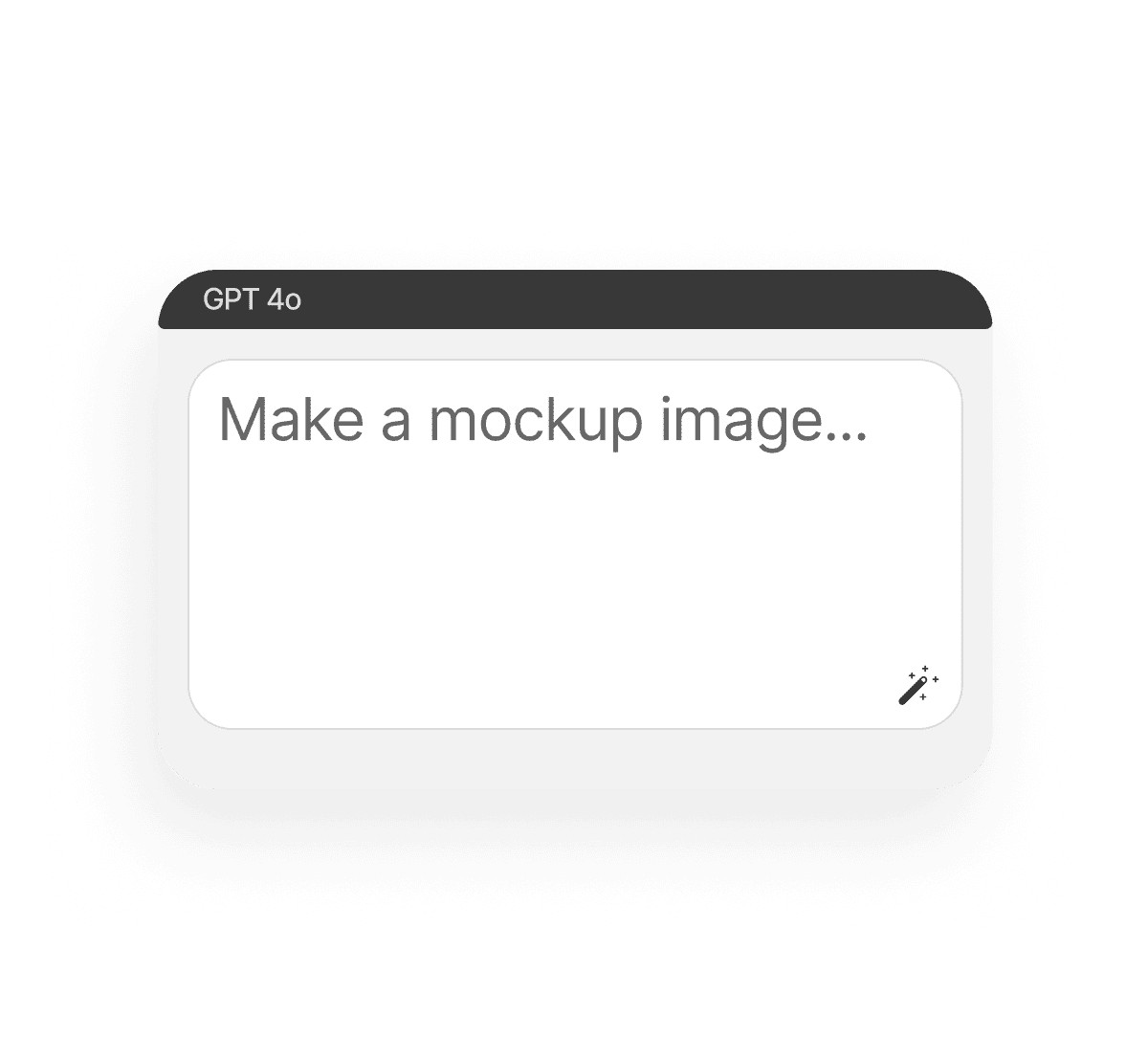
Upload a photo or image, or enter a prompt describing your desired layout and format.
Choose a model or use a template
Select from templates: apparel, packaging, app screens, etc. Let the AI generate several options.
Customize and download
Use the editor to make changes, then download your mockup for digital or print use.
Where can you use an AI mockup generator?
This free mockup generator can be used for just about anything, including product previews, branding kits, website demos and much more.
- Social media previews for client presentations
- Print mockups for posters or t-shirts
- App and web screen designs in context
- Gallery-ready visualizations for digital art
Tips for achieving
the best results
Even the best AI mockup generator performs better with thoughtful input. Here’s how to get results that shine.
- Use high-quality product images or logos
- Be specific with prompts about layout and tone
- Choose templates that match your brand style
- Adjust lighting and background for realism
How to download and edit generated AI mockups
The tool lets you customize and edit your digital mockup before you download it. You can switch between different models and adjust all the details as much as you want.
- Use built-in mockup editor for fast changes
- Export images in PNG, JPG, or SVG formats
- Save multiple versions to test different looks
- Download high-resolution media for any platform
Client Reviews
”Great tool as soon as you get used to it!”
Ngl in the beginning it was a bit challenging to understand how the workspace works. But as soon as i spent about 15 mins trying to figure it out, i grasped the idea and now i feel like creating images for my presentations has never been easier”
“Great tool”
I can solve all my task in one space. You can use Stable Diffsuion like u run it localy, but faster. U can use other Ai tools for images, and create nice promts in promt helper”
“The best AI app out there”
I can have all my favorite AI tools on one workspace, work with them from anywhere using a laptop and create awesome results in literally 5 minutes for my upcoming social media post, newsletter or a fun meme for my friends. Truly making me more creative and productive, as AI should be doing :).
“Fantastic node-based AI platform”
Super intuitive, fast, and efficient for creating workflows. Great for beginners and pros alike. Highly recommend!”
“Greatest tool for creators”
It has a very flexible mechanisms of NN configuration and friendly UI. This project helped me to create different pictures according to my rich imagination.”
“Node system”
Convenient service, many functions. I am very glad that I use this service).”
”Great tool as soon as you get used to it!” Ngl in the beginning it was a bit challenging to understand how the workspace works. But as soon as i spent about 15 mins trying to figure it out, i grasped the idea and now i feel like creating images for my presentations has never been easier”
“Great tool”
– Artemiy “Great tool! I can solve all my task in one space. You can use Stable Diffsuion like u run it localy, but faster. U can use other Ai tools for images, and create nice promts in promt helper”
“The best AI app out there”
I can have all my favorite AI tools on one workspace, work with them from anywhere using a laptop and create awesome results in literally 5 minutes for my upcoming social media post, newsletter or a fun meme for my friends. Truly making me more creative and productive, as AI should be doing :).
“Fantastic node-based AI platform”
Super intuitive, fast, and efficient for creating workflows. Great for beginners and pros alike. Highly recommend!”
“Greatest tool for creators”
It has a very flexible mechanisms of NN configuration and friendly UI. This project helped me to create different pictures according to my rich imagination.”
“Node system”
Convenient service, many functions. I am very glad that I use this service).”
”Great tool as soon as you get used to it!”
- Amy Ngl in the beginning it was a bit challenging to understand how the workspace works. But as soon as i spent about 15 mins trying to figure it out, i grasped the idea and now i feel like creating images for my presentations has never been easier”
“Great tool”
– Artemiy “Great tool! I can solve all my task in one space. You can use Stable Diffsuion like u run it localy, but faster. U can use other Ai tools for images, and create nice promts in promt helper”
“The best AI app out there”
– Darya “The best AI app out there, I can have all my favorite AI tools on one workspace, work with them from anywhere using a laptop and create awesome results in literally 5 minutes for my upcoming social media post, newsletter or a fun meme for my friends. Truly making me more creative and productive, as AI should be doing :).”
“Fantastic node-based AI platform”
– Dear Customer “Fantastic node-based AI platform! Super intuitive, fast, and efficient for creating workflows. Great for beginners and pros alike. Highly recommend!”
“Greatest tool for creators”
– Pavel “Greatest tool for creators. It has a very flexible mechanisms of NN configuration and friendly UI. This project helped me to create different pictures according to my rich imagination.”
“Node system”
– Sanji Tefaze “Node system, convenient service, many functions. I am very glad that I use this service).”
Best AI Tools All in One Place
Image Generation
Image and Visuals Editing
Edit and enhance visuals: face swap, background removal, upscaling to 8K, and more.
Text Instruments
Generate texts, dialogues, and scripts with AI assistants.
3D
Create and upscale textures, generate 3D objects from images.
Train Models
Train models on your data: customize style, objects, and characters.
Video
Generate and edit videos using modern AI solutions.
Explore similar use cases
Free AI Image Upscaler Online
Make your images bigger, sharper, and better — instantly with an automatic Phygital+ AI tool.
Free AI Sketch Generator
Turn your photos into stunning sketches with an AI sketch generator.
Free AI Headshot Generator
Create professional, studio-quality headshots with AI.
Free LEGO AI Generator
Unleash your inner builder with Phygital+ LEGO AI generator tool.
Free AI Food Image Generator
Generate mouth-watering food images for menus, ads, or social media.
Free AI Advertising Generator
Generate ready-to-use ads for social media and web campaigns.
Free AI Instagram Post Generator
Create scroll-stopping Instagram posts with AI — no apps, no templates, no watermarks.
Free AI Texture Generator Online
AI texture generator lets you change the texture of the object on the image.
FAQs
Answers to common questions about using Phygital+ and generating AI-powered mockups.
It’s a tool that lets you create product mockups automatically using AI — no design skills needed.
Yes, it’s completely free to use and runs in your browser.
Just upload your image or describe your idea. The AI will generate mockups instantly.
T-shirts, posters, packaging, screens, wall art, social media — you name it.
Yes, mockups are exportable in high-res formats for both digital and print applications.
Yes. You can download print-ready PNG, JPG, or other files.
Different models support different formats, but all of them are high-resolution and print-ready.
Yes, the built-in editor gives you full control over placement and styling.
Plenty. From website previews to apparel and packaging.
Yes — you’ll see real-time results before export.
Absolutely. It’s perfect for creators, marketers, and startup founders.