Free AI Headshot Generator
Create professional headshots with AI free — no studio, no model, no awkward posing are needed. Whether you need a profile picture or a sharp headshot for your social media campaign, this Phygital+ tool gives you fast, studio-quality results using artificial intelligence. Just write your prompt, pick a model, your preferred style, and let the AI handle everything from lighting to background.
What is an AI headshot generator?
A virtual photo studio
An AI headshot generator uses advanced AI models to transform any photo — even a basic selfie — or create a unique professional-looking portrait.
This tool can simulate studio lighting, background blur, and retouching effects.
For profile perfection
This AI profile picture tool creates perfect headshots ideal for social media, resumes, websites, press kits, and business profiles.
All images follow standards for clarity, framing, and resolution.
Generate and use
Write your prompt and the AI will take care of alignment, expression refinement, background treatment. No camera crew required.
This Phygital+ tool browser-based so there is no need to download anything!
Why should you use
an AI headshot generator?
Instant results,
no cost
Generate a headshot in under a minute. It’s fast, efficient, and totally free — you can generate your first images with no cost.
Tailored to your style
and aesthetics
Choose from a range of portrait styles: corporate, creative, formal, or modern minimal. The AI models adapt the image to match your goals.
Works with selfies
and your photos
You don’t need a professional photo — even smartphone images work. Just upload them and the AI will correct everything you need.
Multiple models
for a perfect image
Experiment with different models and use a built-in editor to adjunct all the details you want: colours, posture, light, background, hair or clothes.
How to make AI headshots?
This AI tool is super simple and user-friendly. Turning your selfie into a business-ready headshot has never been easier. Here is a short tutorial for beginning.
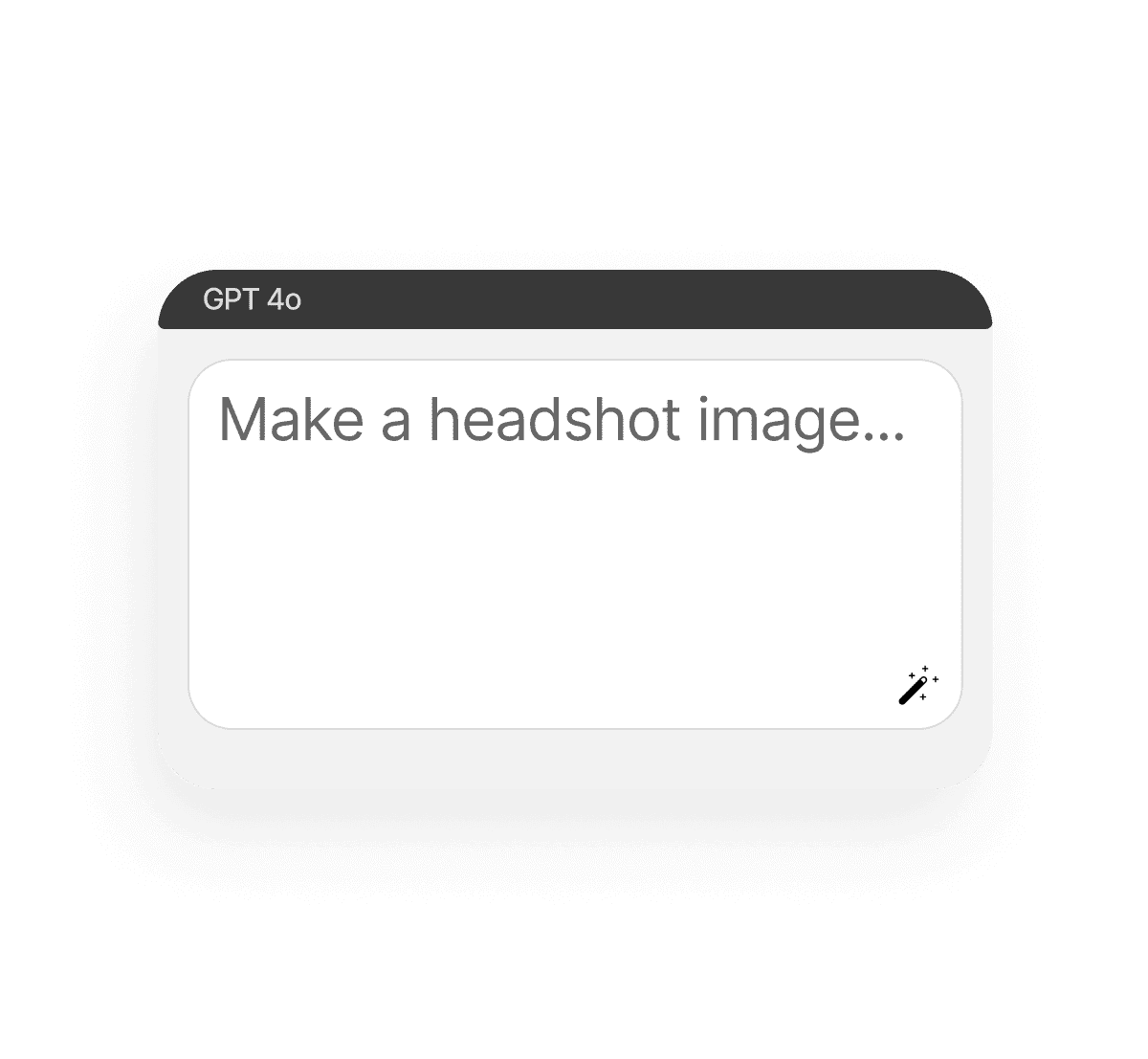
Type a prompt
Or use a photo as a reference, choose a well-lit selfie or portrait.
Pick a model
Different models work with different styles and tools. Experiment for the best result!
Save and use
You can get your image in PNG, JPG and other formats depending on what model you use.
Where can you use an AI headshot generator?
Use your new headshot anywhere you want to make a strong, professional impression. From job applications to client-facing websites, an AI created portrait builds trust and authority. Consistent, high-quality visuals help reinforce your personal or business brand across platforms.
- LinkedIn, CVs, and resumes
- Business websites and "About" pages
- Press kits and speaker profiles
- Social media avatars and email bios
Tips for achieving the best results
Make the most of your headshot with these suggestions. A few small adjustments can make a big difference in how professional and polished your image appears.
- Use a clear, well-lit selfie with neutral expression
- Avoid busy backgrounds or harsh angles
- Choose a style that matches your industry
- Try multiple outputs and compare
How to download and edit AI profile pictures
You can edit and download your AI professional headshot right from the tool in your browser. You can adjust colours, size, background and any other details before saving it in a format that suits your needs.
- Use the built-in tools to tweak lighting and tone
- Export in high-resolution JPG or PNG
- Save multiple looks for different platforms
- Use instantly for web or print materials
Client Reviews
”Great tool as soon as you get used to it!”
Ngl in the beginning it was a bit challenging to understand how the workspace works. But as soon as i spent about 15 mins trying to figure it out, i grasped the idea and now i feel like creating images for my presentations has never been easier”
“Great tool”
I can solve all my task in one space. You can use Stable Diffsuion like u run it localy, but faster. U can use other Ai tools for images, and create nice promts in promt helper”
“The best AI app out there”
I can have all my favorite AI tools on one workspace, work with them from anywhere using a laptop and create awesome results in literally 5 minutes for my upcoming social media post, newsletter or a fun meme for my friends. Truly making me more creative and productive, as AI should be doing :).
“Fantastic node-based AI platform”
Super intuitive, fast, and efficient for creating workflows. Great for beginners and pros alike. Highly recommend!”
“Greatest tool for creators”
It has a very flexible mechanisms of NN configuration and friendly UI. This project helped me to create different pictures according to my rich imagination.”
“Node system”
Convenient service, many functions. I am very glad that I use this service).”
”Great tool as soon as you get used to it!” Ngl in the beginning it was a bit challenging to understand how the workspace works. But as soon as i spent about 15 mins trying to figure it out, i grasped the idea and now i feel like creating images for my presentations has never been easier”
“Great tool”
– Artemiy “Great tool! I can solve all my task in one space. You can use Stable Diffsuion like u run it localy, but faster. U can use other Ai tools for images, and create nice promts in promt helper”
“The best AI app out there”
I can have all my favorite AI tools on one workspace, work with them from anywhere using a laptop and create awesome results in literally 5 minutes for my upcoming social media post, newsletter or a fun meme for my friends. Truly making me more creative and productive, as AI should be doing :).
“Fantastic node-based AI platform”
Super intuitive, fast, and efficient for creating workflows. Great for beginners and pros alike. Highly recommend!”
“Greatest tool for creators”
It has a very flexible mechanisms of NN configuration and friendly UI. This project helped me to create different pictures according to my rich imagination.”
“Node system”
Convenient service, many functions. I am very glad that I use this service).”
”Great tool as soon as you get used to it!”
- Amy Ngl in the beginning it was a bit challenging to understand how the workspace works. But as soon as i spent about 15 mins trying to figure it out, i grasped the idea and now i feel like creating images for my presentations has never been easier”
“Great tool”
– Artemiy “Great tool! I can solve all my task in one space. You can use Stable Diffsuion like u run it localy, but faster. U can use other Ai tools for images, and create nice promts in promt helper”
“The best AI app out there”
– Darya “The best AI app out there, I can have all my favorite AI tools on one workspace, work with them from anywhere using a laptop and create awesome results in literally 5 minutes for my upcoming social media post, newsletter or a fun meme for my friends. Truly making me more creative and productive, as AI should be doing :).”
“Fantastic node-based AI platform”
– Dear Customer “Fantastic node-based AI platform! Super intuitive, fast, and efficient for creating workflows. Great for beginners and pros alike. Highly recommend!”
“Greatest tool for creators”
– Pavel “Greatest tool for creators. It has a very flexible mechanisms of NN configuration and friendly UI. This project helped me to create different pictures according to my rich imagination.”
“Node system”
– Sanji Tefaze “Node system, convenient service, many functions. I am very glad that I use this service).”
Best AI Tools All in One Place
Image Generation
Image and Visuals Editing
Edit and enhance visuals: face swap, background removal, upscaling to 8K, and more.
Text Instruments
Generate texts, dialogues, and scripts with AI assistants.
3D
Create and upscale textures, generate 3D objects from images.
Train Models
Train models on your data: customize style, objects, and characters.
Video
Generate and edit videos using modern AI solutions.
Explore similar use cases
Free AI Vector Generator
Convert ideas into scalable vector graphics in one click.
Free AI Flower & Bouquet Generator
Bring beauty to your projects with our AI flower generator — free, fast, and endlessly creative.
Free AI Image Unblurrer Tool
Fix blurry pictures with AI online in seconds — with one powerful tool and zero installs.
Free AI Clip Art Generator
reate simple, colorful clip art graphics for presentations and content.
Free AI Movie Poster Generator
Create a movie poster with AI in minutes.
Free AI Twitch Banner Generator
Create a Twitch banner that actually fits your style — no Photoshop, no templates that scream “default.”
Free Gothic AI Generator
Create gothic art with AI in minutes, no expensive software, no watermarks.
Free AI Image Fill Tool
Use AI to fill in images instantly.
FAQs
Answers to common questions about using Phygital+ and generating AI-powered headshots images.
It’s a tool that transforms your photo into a polished, professional headshot using AI.
Upload a photo, pick a model, and let the generator do the rest — all for free.
Yes. The results are perfect for LinkedIn, job applications, and other professional platforms.
Choose from business formal, creative, minimal, artistic, or even soft editorial styles.
A well-lit selfie is enough — the AI handles the polish.
Yes, they’re exportable in HD, ready for both digital and print.
Yes, you can view and adjust before saving your final version.