Free AI Thumbnail Generator for YouTube
With Phygital+ tool, you can create thumbnails with AI and level up your YouTube channel with no effort. This free AI thumbnail generator turns your idea, text, or uploaded image into a bold, eye-catching thumbnail optimized for clicks. Just write a prompt, pick a layout, or upload a frame from your video and let the AI do its job. This is the fastest way to create thumbnails that stand out without spending hours in design software.
What is an AI thumbnail generator?
A tool what works
for you
An AI thumbnail generator is an online creative assistant that builds thumbnails based on your visual or text prompt.
Your creativity and ideas are the only thing you need — the rest an AI will do for you
From idea to perfect result
Whether you describe your concept with words or drop in a screenshot, the generator brings it to life with an AI thumbnail generator.
Every image is unique and based on your ideas and demands.
Built for YouTube channels
The perfect YouTube thumbnail size is 1280×720, so do not forget to choose the right dimension for your thumbnail.
You can also resize your image or edit it with a different AI model or with built-in tools.
Why choose this AI Thumbnail Generator?
Speed without compromise
You will get perfect, ready-to-upload thumbnails just in a couple of minutes. It is all handled online, right in your browser, with no extra downloads or tools needed.
Limitless control
for your projects
You can regenerate your image or edit it with different models. Adjust any details: this AI thumbnail generator uses high-contrast visuals, readable fonts, and strategic layout.
From raw idea
to result
Whether you upload a reference or generate from prompt, the tool enhances your image with text, overlays, and balanced composition. Add stickers and other details.
Teamwork with
no hustle
You can share your project with your teammates and make real-time edits to text, style, and filters with the built-in editor before downloading your final image.
How it works
YouTube thumbnails should take minutes, not hours. Here is a short tutorial for a first use.
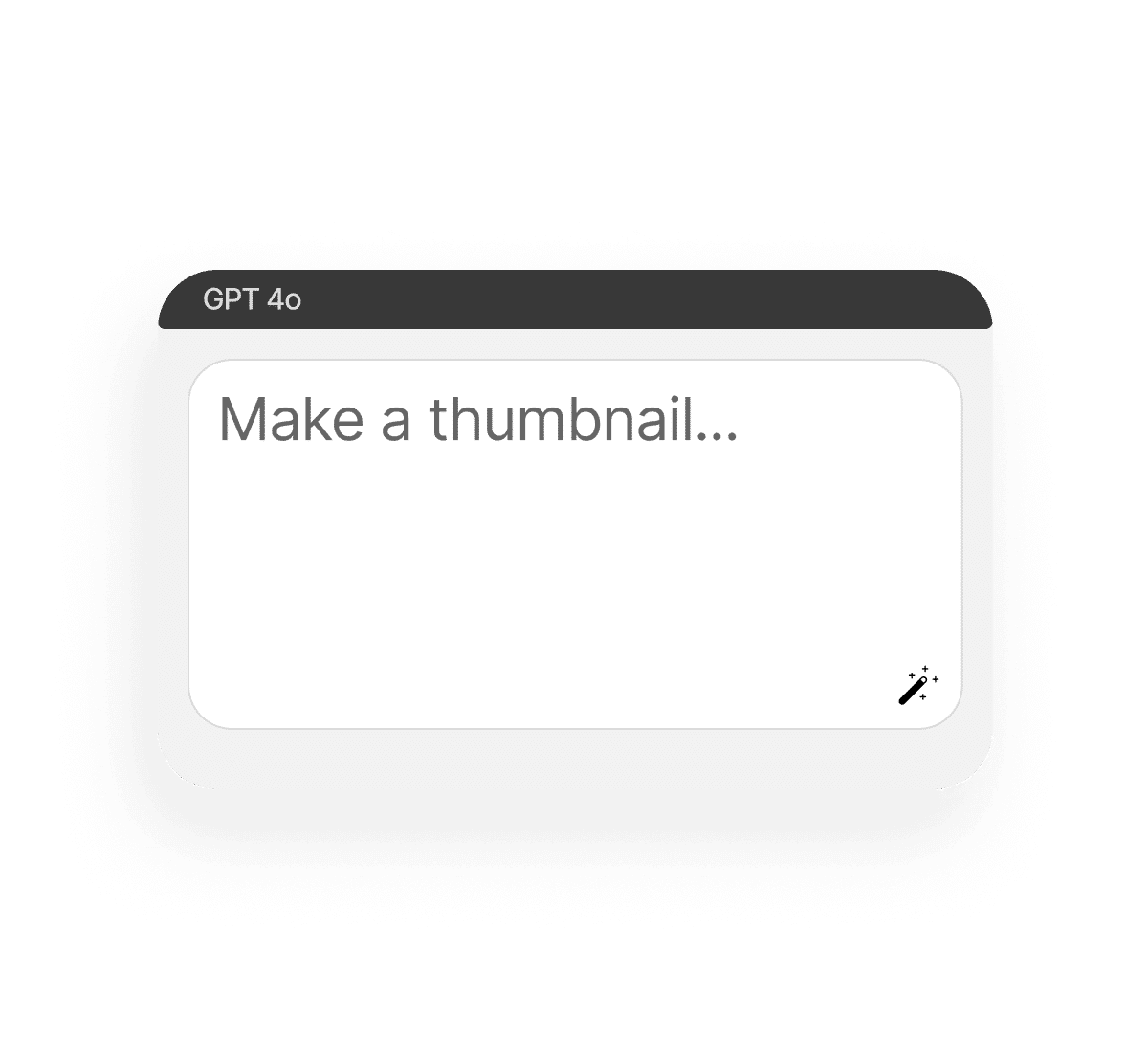
Type a prompt
The generator will interpret it and give you a ready-to-use image.
Pick a model
Adjust any details you want and then download your thumbnail
Save and use
You can get your image in PNG, JPG and other formats depending on what model you use.
Which YouTube channels need thumbnails
Every YouTube channel needs thumbnails; these images are crucial in the battle for viewers. Attractive thumbnails make content stand out in a crowded feed.
- Create dramatic vlog and lifestyle visuals
- Build consistent branding for playlists and series
- Test different looks for audience response
- Refresh old videos with new, high-impact thumbnails
Tips for achieving the best results
Your creativity will help you create a bright, stunning, and eye-catching thumbnails, but here are a few creative tricks go a long way.
- Use emotion or facial expression to drive clicks
- Keep text short, bold, and easy to read
- Add icons or arrows for extra punch
- Preview on mobile to check clarity
How to download AI generated thumbnails
Once your thumbnail is generated, you can edit any details you want, resize it, regenerate with other models, customize, and then download and use on your YouTube channel.
- Make final adjustments with the built-in editor
- Export in standard JPG or PNG formats
- Save multiple options
- Upload to your video dashboard
Client Reviews
”Great tool as soon as you get used to it!”
Ngl in the beginning it was a bit challenging to understand how the workspace works. But as soon as i spent about 15 mins trying to figure it out, i grasped the idea and now i feel like creating images for my presentations has never been easier”
“Great tool”
I can solve all my task in one space. You can use Stable Diffsuion like u run it localy, but faster. U can use other Ai tools for images, and create nice promts in promt helper”
“The best AI app out there”
I can have all my favorite AI tools on one workspace, work with them from anywhere using a laptop and create awesome results in literally 5 minutes for my upcoming social media post, newsletter or a fun meme for my friends. Truly making me more creative and productive, as AI should be doing :).
“Fantastic node-based AI platform”
Super intuitive, fast, and efficient for creating workflows. Great for beginners and pros alike. Highly recommend!”
“Greatest tool for creators”
It has a very flexible mechanisms of NN configuration and friendly UI. This project helped me to create different pictures according to my rich imagination.”
“Node system”
Convenient service, many functions. I am very glad that I use this service).”
”Great tool as soon as you get used to it!” Ngl in the beginning it was a bit challenging to understand how the workspace works. But as soon as i spent about 15 mins trying to figure it out, i grasped the idea and now i feel like creating images for my presentations has never been easier”
“Great tool”
– Artemiy “Great tool! I can solve all my task in one space. You can use Stable Diffsuion like u run it localy, but faster. U can use other Ai tools for images, and create nice promts in promt helper”
“The best AI app out there”
I can have all my favorite AI tools on one workspace, work with them from anywhere using a laptop and create awesome results in literally 5 minutes for my upcoming social media post, newsletter or a fun meme for my friends. Truly making me more creative and productive, as AI should be doing :).
“Fantastic node-based AI platform”
Super intuitive, fast, and efficient for creating workflows. Great for beginners and pros alike. Highly recommend!”
“Greatest tool for creators”
It has a very flexible mechanisms of NN configuration and friendly UI. This project helped me to create different pictures according to my rich imagination.”
“Node system”
Convenient service, many functions. I am very glad that I use this service).”
”Great tool as soon as you get used to it!”
- Amy Ngl in the beginning it was a bit challenging to understand how the workspace works. But as soon as i spent about 15 mins trying to figure it out, i grasped the idea and now i feel like creating images for my presentations has never been easier”
“Great tool”
– Artemiy “Great tool! I can solve all my task in one space. You can use Stable Diffsuion like u run it localy, but faster. U can use other Ai tools for images, and create nice promts in promt helper”
“The best AI app out there”
– Darya “The best AI app out there, I can have all my favorite AI tools on one workspace, work with them from anywhere using a laptop and create awesome results in literally 5 minutes for my upcoming social media post, newsletter or a fun meme for my friends. Truly making me more creative and productive, as AI should be doing :).”
“Fantastic node-based AI platform”
– Dear Customer “Fantastic node-based AI platform! Super intuitive, fast, and efficient for creating workflows. Great for beginners and pros alike. Highly recommend!”
“Greatest tool for creators”
– Pavel “Greatest tool for creators. It has a very flexible mechanisms of NN configuration and friendly UI. This project helped me to create different pictures according to my rich imagination.”
“Node system”
– Sanji Tefaze “Node system, convenient service, many functions. I am very glad that I use this service).”
Best AI Tools All in One Place
Image Generation
Image and Visuals Editing
Edit and enhance visuals: face swap, background removal, upscaling to 8K, and more.
Text Instruments
Generate texts, dialogues, and scripts with AI assistants.
3D
Create and upscale textures, generate 3D objects from images.
Train Models
Train models on your data: customize style, objects, and characters.
Video
Generate and edit videos using modern AI solutions.
Explore similar use cases
Free AI Image Fill Tool
Use AI to fill in images instantly.
Free AI Logo Generator
Create a logo with AI in seconds — whether you’re launching a business, building a team.
New Feature
Use Phygital+ to generate logo from text with multiple ML models for endless styles.
Free AI Face Swap Tool
Swap faces in photos and videos with realistic, high-quality results.
Free LEGO AI Generator
Unleash your inner builder with Phygital+ LEGO AI generator tool.
AI Face Image Editor
Edit, retouch, and enhance faces in images instantly with AI.
AI Book Illustration Generator
Turn your stories into stunning book illustrations from simple text prompts.
Free AI Action Figure Generator
Bring your imagination to life with our AI action figure generator.
FAQs
Answers to common questions about using Phygital+ and generating AI-powered thumbnails.
It’s an AI-powered design tool that creates custom YouTube thumbnails from prompts or images.
Yes — it’s free and works in your browser.
Upload a video frame or describe your idea. The generator builds a layout automatically.
Yes, including font styling, visual balance, and background treatment.
Absolutely — they meet YouTube’s specs and are designed for visual impact.
You can download JPG or PNG files, ready for upload.
Yes, everything is customizable: text, layout, color, and more.
Under a minute in most cases.
Yes, and we encourage testing to see what performs best.
Start for free
Create logos, mockups, and brand visuals in one place.