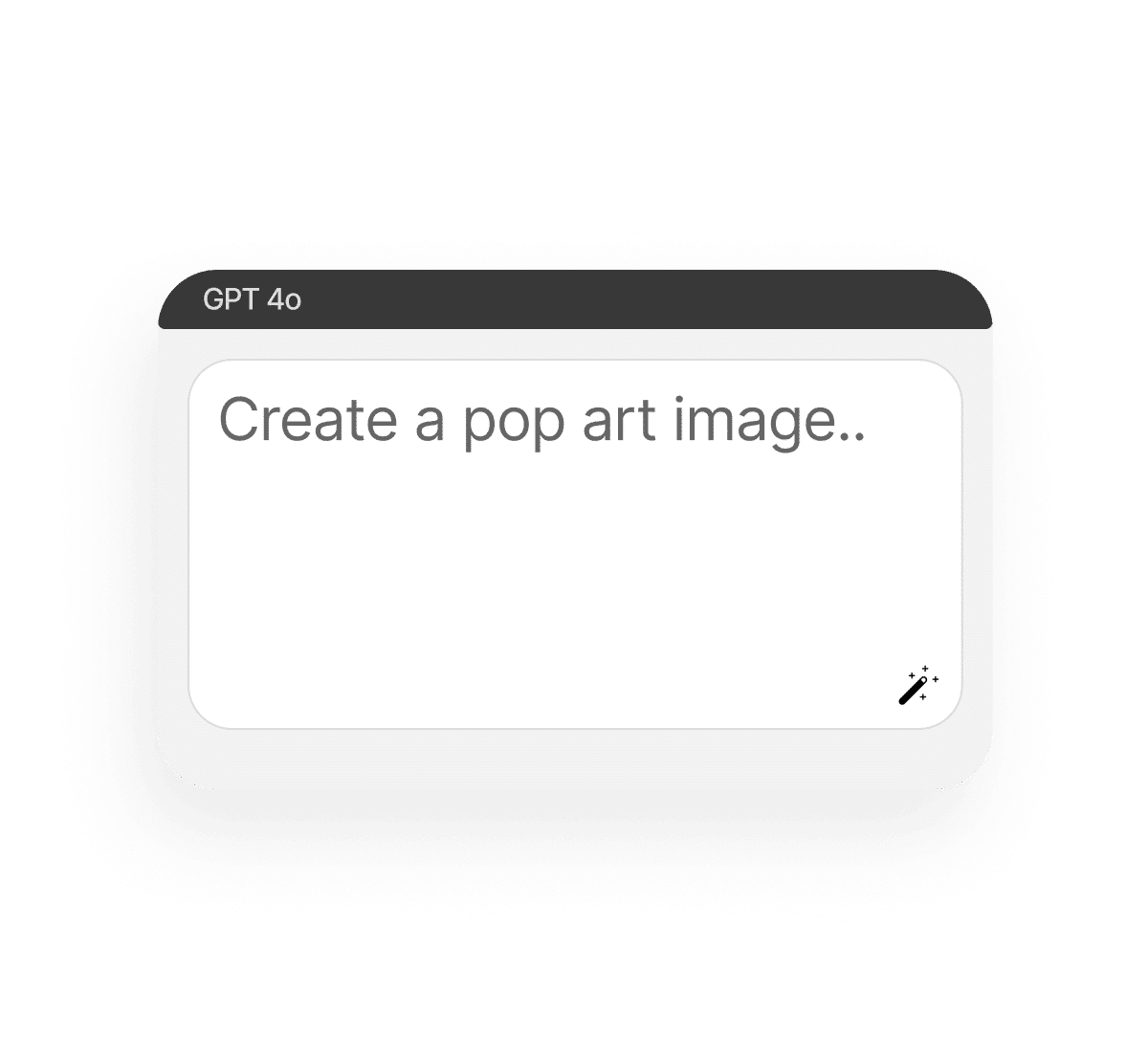
Create a pop art with AI and turn any image into a bold, vibrant statement piece. Whether you want a Warhol-style portrait, comic-inspired visuals, or something loud, saturated, and unforgettable, this free AI pop art maker does it all in your browser. Upload a photo as a reference or start from a short prompt, and let Phygital+ generate visuals with customizable colors, layouts, and filters. You get full creative control — without the headache of traditional software.
What is an AI pop art generator?
Classic style with smart tech
An AI pop art generator transforms photos or texts into graphic artwork inspired by the pop art movement — bold colors, halftone dots, thick outlines, speech bubbles, and more.
Your personal Warhol on the screen
Start with a photo of your face, your pet, or a product. Or write a short prompt like “retro comic book pizza slice” and the generator will turn your idea into pop art visuals.
For posters, merch, and social media
This Ai tool is perfect for prints, social media, stickers, merch mockups, or just experimenting with pop culture aesthetics. The results are high-res and completely yours.
Why use the Free AI pop art generator?
No extra software is needed
No Illustrator? No problem. Everything works inside your browser — drag, drop, tweak, download.
Custom colours, layouts, and text
Choose bold primaries, monochrome neon, or soft vintage. Add speech bubbles, comic panels, or titles.
Fast, free, creative, and multi-modeled
It’s a multi-model generator that understands composition, print contrast, and pop art structure.
Ready-to-use wherever you need
Get your visuals in printable formats. The tool creates high-resolution files in different formats.
How create an AI pop art
Turning your photo into pop art is easier than screen printing a banana. Here’s the short tutorial to start.
Upload or describe
Drop in a photo as an example or write a prompt. You can also upload reference colors or a comic layout to guide the style.
Choose a model
From halftone realism to comic book flat color, pick the filter that suits your mood. You can switch models and edit your image.
Save and use
Make as many edits as you want: change background, tweak speech bubbles, adjust color palette. Then download in high-res in different formats.
Who should use the AI pop art generator?
This tool is for anyone who wants to stand out visually without getting lost in complicated design software. Whether you’re a creator, a student, or just playing around with retro styles, the generator is fast, fun, and surprisingly flexible.
Creators making content for social media
Designers creating poster or merch ideas
Teachers or students doing art projects
Anyone who loves bold visuals and comic culture
Tips for achieving the best results
Great pop art is all about contrast, attitude, and clarity — and getting those things right doesn’t take much if you know what to focus on. A few small choices in color, layout, and photo quality can completely change how the final image lands.
Start with clear, front-facing photos
Pick a bold color palette and commit to it
Keep text short — think punchy and visual
Try different filters for vintage vs modern styles
How to download and edit your pop art
Once you’ve created your pop art image, saving and refining it is quick and simple. You don’t need to leave the page or jump between tools — everything happens in one smooth, browser-based flow. Here’s how to take your pop art from preview to polished.
Use the editor to refine background, text, or colours
Export as JPG, PNG, or SVG for print or screen
Download multiple versions to test different looks
Files are private — nothing saved unless you export
Client Reviews
⭐⭐⭐⭐⭐ ️
”Great tool as soon as you get used to it!”
Ngl in the beginning it was a bit challenging to understand how the workspace works. But as soon as i spent about 15 mins trying to figure it out, i grasped the idea and now i feel like creating images for my presentations has never been easier”
Amy
⭐⭐⭐⭐⭐️
“Great tool”
I can solve all my task in one space. You can use Stable Diffsuion like u run it localy, but faster. U can use other Ai tools for images, and create nice promts in promt helper”
Artemiy
⭐⭐⭐⭐⭐️
“The best AI app out there”
I can have all my favorite AI tools on one workspace, work with them from anywhere using a laptop and create awesome results in literally 5 minutes for my upcoming social media post, newsletter or a fun meme for my friends. Truly making me more creative and productive, as AI should be doing :).
Darya
⭐⭐⭐⭐⭐️
“Fantastic node-based AI platform”
Super intuitive, fast, and efficient for creating workflows. Great for beginners and pros alike. Highly recommend!”
Artemiy
⭐⭐⭐⭐⭐️
“Greatest tool for creators”
It has a very flexible mechanisms of NN configuration and friendly UI. This project helped me to create different pictures according to my rich imagination.”
Pavel
⭐⭐⭐⭐⭐️
“Node system”
Convenient service, many functions. I am very glad that I use this service).”
Sanji Tefaze
⭐⭐⭐⭐⭐ ️
”Great tool as soon as you get used to it!”
Ngl in the beginning it was a bit challenging to understand how the workspace works. But as soon as i spent about 15 mins trying to figure it out, i grasped the idea and now i feel like creating images for my presentations has never been easier”
Amy
⭐⭐⭐⭐⭐️
“Great tool” – Artemiy “Great tool! I can solve all my task in one space. You can use Stable Diffsuion like u run it localy, but faster. U can use other Ai tools for images, and create nice promts in promt helper”
Artemiy
⭐⭐⭐⭐⭐️
“The best AI app out there” I can have all my favorite AI tools on one workspace, work with them from anywhere using a laptop and create awesome results in literally 5 minutes for my upcoming social media post, newsletter or a fun meme for my friends. Truly making me more creative and productive, as AI should be doing :).
Darya
⭐⭐⭐⭐⭐️
“Fantastic node-based AI platform” Super intuitive, fast, and efficient for creating workflows. Great for beginners and pros alike. Highly recommend!”
Artemiy
⭐⭐⭐⭐⭐️
“Greatest tool for creators” It has a very flexible mechanisms of NN configuration and friendly UI. This project helped me to create different pictures according to my rich imagination.”
Pavel
⭐⭐⭐⭐⭐️
“Node system” Convenient service, many functions. I am very glad that I use this service).”
Sanji Tefaze
⭐⭐⭐⭐⭐ ️
”Great tool as soon as you get used to it!” - Amy
Ngl in the beginning it was a bit challenging to understand how the workspace works. But as soon as i spent about 15 mins trying to figure it out, i grasped the idea and now i feel like creating images for my presentations has never been easier”
⭐⭐⭐⭐⭐️
“Great tool” – Artemiy “Great tool! I can solve all my task in one space. You can use Stable Diffsuion like u run it localy, but faster. U can use other Ai tools for images, and create nice promts in promt helper”
⭐⭐⭐⭐⭐️
“The best AI app out there” – Darya “The best AI app out there, I can have all my favorite AI tools on one workspace, work with them from anywhere using a laptop and create awesome results in literally 5 minutes for my upcoming social media post, newsletter or a fun meme for my friends. Truly making me more creative and productive, as AI should be doing :).”
⭐⭐⭐⭐⭐️
“Fantastic node-based AI platform” – Dear Customer “Fantastic node-based AI platform! Super intuitive, fast, and efficient for creating workflows. Great for beginners and pros alike. Highly recommend!”
⭐⭐⭐⭐⭐️
“Greatest tool for creators” – Pavel “Greatest tool for creators. It has a very flexible mechanisms of NN configuration and friendly UI. This project helped me to create different pictures according to my rich imagination.”
⭐⭐⭐⭐⭐️
“Node system” – Sanji Tefaze “Node system, convenient service, many functions. I am very glad that I use this service).”
Best AI Tools All in One Place
Image Generation
Create unique images using advanced AI tools and ready-made styles.
Image and Visuals Editing
Edit and enhance visuals: face swap, background removal, upscaling to 8K, and more.
Text Instruments
Generate texts, dialogues, and scripts with AI assistants.
3D
Create and upscale textures, generate 3D objects from images.
Train Models
Train models on your data: customize style, objects, and characters.
Video
Generate and edit videos using modern AI solutions.
Image Generation
Create unique images using advanced AI tools and ready-made styles.
Image and Visuals Editing
Edit and enhance visuals: face swap, background removal, upscaling to 8K, and more.
Text Instruments
Generate texts, dialogues, and scripts with AI assistants.
3D
Create and upscale textures, generate 3D objects from images.
Train Models
Train models on your data: customize style, objects, and characters.
Video
Generate and edit videos using modern AI solutions.
Yes. The generator is made with print formats in mind.
Start for free
Create logos, mockups, and brand visuals in one place.
Управление согласием
Чтобы обеспечить наилучший опыт, мы используем такие технологии, как cookies, для хранения и/или доступа к информации об устройстве. Согласие на использование этих технологий позволит нам обрабатывать такие данные, как поведение при просмотре или уникальные идентификаторы на этом сайте. Несогласие или отзыв согласия могут негативно повлиять на некоторые возможности и функции.
Функциональный
Always active
Техническое хранение или доступ строго необходимы для законной цели обеспечения возможности использования конкретной услуги, явно запрошенной абонентом или пользователем, или для единственной цели передачи сообщения по электронной коммуникационной сети.
Preferences
The technical storage or access is necessary for the legitimate purpose of storing preferences that are not requested by the subscriber or user.
Статистика
Техническое хранение или доступ, которые используются исключительно в статистических целях.The technical storage or access that is used exclusively for anonymous statistical purposes. Without a subpoena, voluntary compliance on the part of your Internet Service Provider, or additional records from a third party, information stored or retrieved for this purpose alone cannot usually be used to identify you.
Маркетинг
Техническое хранение или доступ необходимы для создания профилей пользователей для рассылки рекламы, а также для отслеживания пользователя на сайте или на нескольких сайтах в аналогичных маркетинговых целях.

 EN
EN