When I pick Nano Banana Pro, I am usually solving a different problem than “make a pretty picture.”
I need the text to be right. Or the infographic to be useful. Or the edit to follow a real creative brief with lighting, camera, and brand references intact.
Google DeepMind released Nano Banana Pro (Gemini 3 Pro Image) on November 20, 2025 as a professional generation and editing model built on Gemini 3 Pro. Officially, it emphasizes reasoning, world knowledge, Search grounding, accurate in-image text, up to 14 references, and studio-quality controls at up to 4K.
In this guide I want to focus on four practical questions:
- when to use Pro vs faster Banana variants
- what Nano Banana Pro is actually good at
- how to prompt it for text-accurate design work
- how to use it inside Phygital+
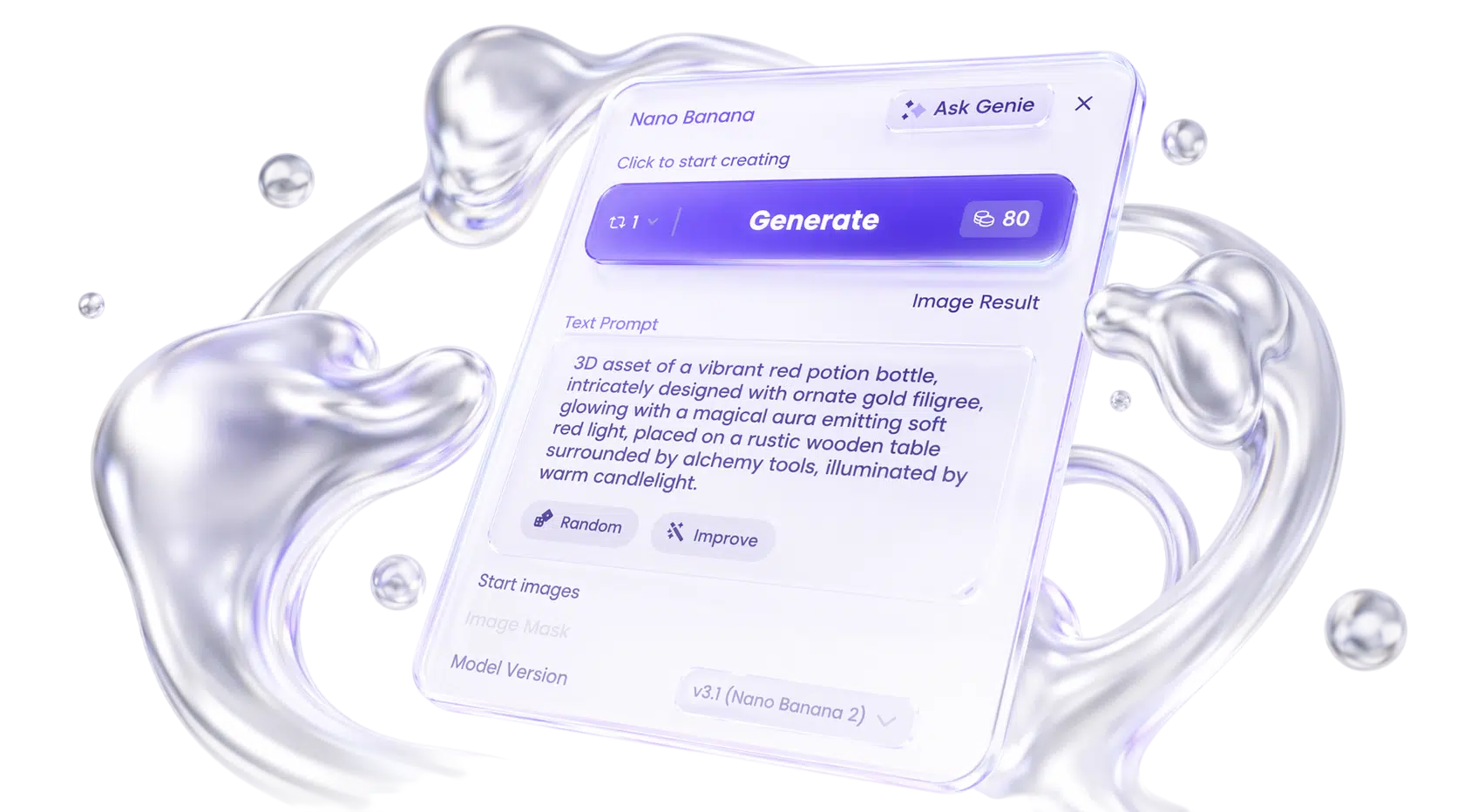
Nano Banana versions compared
| Version | Best use | Why I would use it |
|---|---|---|
Nano Banana Pro / Gemini 3 Pro Image |
max quality + control | best when text, references, and final fidelity matter |
Nano Banana 2 / Gemini 3.1 Flash Image |
speed / lighter tasks | faster iteration when the frame does not need Pro-level control |
| Original Nano Banana / Gemini 2.5 Flash Image | fast fun edits | quick transformations and lighter creative experiments |
My working rule
- draft composition ideas quickly on a faster variant when needed
- switch to Pro for posters, ads, and anything with critical on-image text
- load brand references early instead of hoping the prompt remembers them
- render finals at 2K/4K only after the layout is locked
What Nano Banana Pro is actually good at
1. Best-in-class in-image text
What: legible taglines, paragraphs, multilingual typography.
When to use: posters, ads, menus, slides, packaging mockups.
Why it matters: most image models still fail the moment copy has to ship.
2. World knowledge + Search grounding
What: more factual diagrams/infographics, with optional real-time Search context.
When to use: explainers, recipes, maps, educational visuals.
Why it matters: the image can carry information, not only atmosphere.
3. Studio-quality controls
What: lighting, camera angle, focus, color grading, localized edits.
When to use: directed revisions instead of full regenerations.
Why it matters: production work is mostly controlled change.
4. Up to 14 references
What: blend logos, palettes, characters, and products in one brief.
When to use: brand systems and multi-element compositions.
Why it matters: few-shot design context beats a long vague prompt.
How I think about prompting Nano Banana Pro
I prompt it like a designer giving a production brief with a script.
Put exact on-image text in quotes. Specify hierarchy. Say what must stay locked from references.
Prompt structure table
| Asset type | Exact text | Layout | References | Camera / light | Constraints |
|---|---|---|---|---|---|
| poster / ad / diagram | quoted copy | hierarchy | brand / people / products | controls | keep / translate / no extras |
Example prompts
Poster with copy
Portrait poster for a coffee tasting, headline "OPEN BREW", subline "Single-origin flights this Friday", modern cafe typography, cream and espresso palette, clean grid, readable hierarchy, no decorative flourishes that hurt legibility
Infographic
Clean infographic explaining how sourdough fermentation works in 4 labeled steps, flat modern diagram style, short captions, accurate sequence, white background, no dense paragraphs, educational poster look
Ad creative
Square social ad for a skincare serum, product bottle centered, headline "CLEAR LIGHT", small body text "Daily serum for sensitive skin", soft studio lighting, premium ecommerce aesthetic, brand-safe negative space
Localization edit
Keep the same can design and composition, translate all English package text into Korean, preserve colors, logo mark, and material lighting, no other redesign
Multi-reference scene
Combine these brand references into one lifestyle image: product bottle, logo mark, and two people from references, natural outdoor cafe setting, consistent faces, soft daylight, campaign still, no watermark text
Lighting control
Keep the same subject and framing, turn the scene into nighttime with practical window light and soft bokeh street glow, preserve identity and wardrobe, cinematic color grade
A practical Nano Banana Pro workflow inside Phygital+
- Load references first: logo, palette, product, characters.
- Draft the layout with exact quoted text.
- Lock composition, then push resolution to 2K/4K.
- Use localized edits for lighting/focus/background instead of regenerating everything.
- Chain approved frames into upscaling, variants, or motion on the same canvas.
Start from the Nano Banana Pro model page.
When I would not use Nano Banana Pro
- I only need a cheap/fast exploratory doodle
- I need native SVG vector logos
- the job is pure cinematic taste exploration and Midjourney is enough
- I am generating huge volumes where a Flash-tier model is the better cost tradeoff
FAQ
What is Nano Banana Pro?
Nano Banana Pro is Google DeepMind’s professional image generation and editing model, officially named Gemini 3 Pro Image. It is built on Gemini 3 Pro and focuses on accurate in-image text, world knowledge, Search grounding, and studio-quality controls.
What is the difference between Nano Banana Pro and Nano Banana 2?
Nano Banana Pro prioritizes maximum quality and control. Nano Banana 2 (Gemini 3.1 Flash Image) prioritizes speed and lighter tasks. Use Pro when the image has to be exactly right.
Can Nano Banana Pro render text in images?
Yes — that is one of its defining strengths. Google positions it for correctly rendered, legible in-image text from short taglines to longer paragraphs, including multilingual text workflows.
How many reference images can I use?
Up to 14 reference images, which makes it strong for brand systems, multi-character scenes, and few-shot design briefs.
What resolutions does it support?
1K, 2K, and 4K across multiple aspect ratios. A practical workflow is to draft lower, then render finals at 4K.
Can I use Nano Banana Pro commercially in Phygital+?
On paid Phygital+ plans, outputs are covered by commercial-use licensing under platform terms. Google also embeds SynthID watermarking on generated media — check the current model card for details.
Why run it inside Phygital+?
Because text-accurate generation can sit on the same canvas as editing, upscaling, and other models, so posters and ad creative can move through a full pipeline instead of a one-off generator.