When I started using Seedream 5.0 in Phygital+, the difference showed up within a few runs.
The model handled messy briefs better: keep the product shape, place labels where they belong, follow a layout with several objects, and still deliver a poster or infographic that looks designed on purpose.
ByteDance describes this generation stack as Seedream 5.0 Lite: stronger intent understanding, visual reasoning, and editing control, not only another resolution bump.
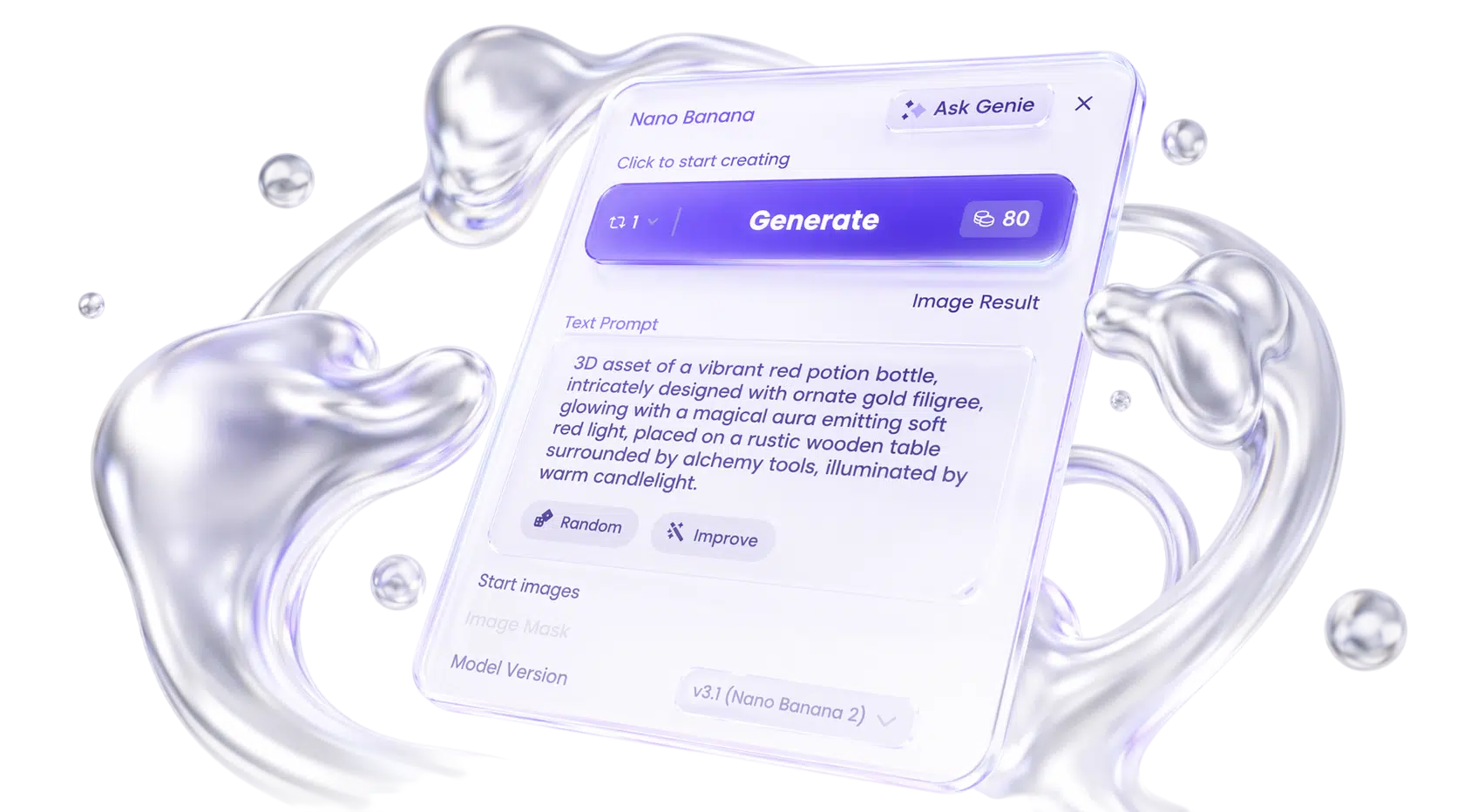
In Phygital+, Seedream costs 40 credits per run. On the same screen, GPT Image is 75 and Nano Banana (v3.1) is 80. For poster tests, infographic branches, and edit passes, that gap matters.
This guide covers what 5.0 changes compared to 4.5, where it helps most, how to prompt it, and how to use it inside Phygital+ pipelines.
Updated for Seedream 5.0 in Phygital+, May 2026.
Seedream 5.0 vs 4.5
Seedream 4.5 refined text rendering, consistency, spatial reasoning, and multi-image control on top of the earlier 4.x line. Seedream 5.0 pushes further on intent, reasoning, smarter edits, and knowledge-heavy layouts.
| Version | Best for | Why use it |
|---|---|---|
| Seedream 4.5 | Polished 4.x commercial output | Strong text and consistency on the previous generation tier |
| Seedream 5.0 | Posters, infographics, edits, multi-reference work | Default in Phygital+: reads vague briefs better, stronger local edits, example-based transforms |
What 5.0 adds
- Clearer intent: short edits (“more premium”, “match lighting from image 2”) land more often
- Visual reasoning: complex grids, labeled objects, spatial logic
- Editing stability: change one region without breaking face, pose, or product
- Knowledge visuals: infographics, diagrams, labeled explainers
- Example-based edits: show before → after, apply the same change to a new image
- Stronger references: identity, style, composition from reference images
ByteDance reports 5.0 Lite Elo above 4.5, with the largest gains in knowledge reasoning, editing, and consistency. Independent tests such as HummingBytes (Mar 2026) sometimes still prefer 4.5 on very dense micro-text or certain UI mockups. In Phygital+ you run 5.0. The practical question is what to ask it for.
Seedream pricing in Phygital+
Same workflow, different cost per click on Generate:
| Model | Credits per run |
|---|---|
| Seedream 5.0 | 40 |
| GPT Image (v2) | 75 |
| Nano Banana (v3.1) | 80 |
Seedream is roughly half the credit cost of GPT Image and Nano Banana on current UI defaults.
That changes how I work: more poster layout variants before locking a direction, cheaper infographic and label tests, and edit passes without treating every try like a final render.
At 40 credits, Seedream fits early and middle stages of a visual pipeline: explore, branch, edit, then upscale or animate with Seedance.
What Seedream 5.0 does well
Structured output: posters, ads, infographics
Headlines, labels, hierarchy, product claims. Prompt like a design brief (see below), not a tag list.
Editing
Remove promo stickers while keeping texture; swap backgrounds with face and pose intact; shallow depth or bokeh with a short instruction; example-based edits when words are awkward.
Multi-reference
Up to 10 reference images in the Phygital+ node, for identity, product, palette, layout.
Style from a reference
One style reference plus a subject image often beats a long description of brushwork.
Dense layouts
Grids with many distinct objects (letters, numbers, colors, positions), useful for shelf visuals and campaign boards.
Knowledge-heavy graphics
Ecosystem diagrams, process charts, labeled technical illustrations.
Typography and reference-based generation remain core strengths: posters, ad creatives, product visuals, educational graphics, and layouts that need readable text.
In this example, Seedream 5.0 generates the same car from several angles while keeping design details consistent across shots. Seedance then turns those frames into video, so the sequence reads as one shoot rather than unrelated generations.

Seedream 5.0 technical notes (Phygital+)
| Capability | In Phygital+ |
|---|---|
| Text → image | Full-sentence design briefs work best |
| Image → image | Start Image + edit instruction |
| References | Up to 10 reference images |
| Resolution | 2K default; 4K via Custom aspect ratio + width/height |
| Text in image | Double quotes for exact strings, e.g. “NOCTURNAL STREETS” |
| Credits | 40 per run |
How to prompt Seedream 5.0
Think art director brief: output type, subject, layout, style, what must stay fixed, quoted copy.
| Subject | Action / layout | Scene | Style | Light / composition | Text / refs |
|---|---|---|---|---|---|
| what appears | arrangement | context | direction | camera, spacing | quotes, ref rules |
Formula: Create a [type] showing [subject] with [layout], [style], [lighting]. Include “[headline]”. Keep [face / product / pose] unchanged.
Example: Create a minimalist nutrition infographic of a breakfast bowl with oats, blueberries, honey, and mint water, clean editorial style, bright top lighting, balanced label placement. Include readable English calorie labels and a clear total value.
Prompting tips
- Full sentences, not keyword stacks.
- Double quotes for exact strings.
- On edits, name what must not change.
- For hard edits: reference a before/after pair plus the target image.
- Name the job: “launch poster for a skincare brand”, not only “serum bottle on beige”.
Example prompts
Posters
Create a contemporary exhibition poster for a photography show about rain-soaked cities at night. High-contrast editorial layout, cinematic black-and-amber palette, strong negative space. Headline: “NOCTURNAL STREETS”.
Posters
Design a minimalist launch poster for a sustainable skincare brand. Frosted glass serum bottle, soft green-beige palette, premium beauty photography. Headline: “BOTANICAL CLARITY”.
Infographics
Create a stylish nutrition infographic of oatmeal with blueberries and honey. Clean English calorie labels and a total value marker.
Infographics
Generate a clean product comparison infographic for three wireless headphones with clear hierarchy and readable labels.
Product ads
Create a premium product ad of a red sports car in a glossy studio, cinematic reflections, magazine-quality realism.
Editing
Remove all stickers and promotional text. Preserve product shape, texture, and lighting.
Editing
Replace the background with a softly lit city street. Keep face and pose unchanged.
Editing
Apply the same change shown from image 1 to image 2, onto image 3 (color grading only).
Multi-reference
Create a lifestyle image using references of a woman, beach, and balloons. Preserve identity and realism.
Brand visuals
Create a packaging design board for a minimalist outdoor brand named “GREEN”.
How to use Seedream 5.0 in Phygital+
- Name the asset (poster, infographic, product card, edit).
- Write the brief (type, layout, quotes, constraints).
- Attach references if consistency matters.
- Branch layouts at 40 credits each.
- Edit in place before regenerating from scratch.
- Upscale or animate with Seedance when you need motion from the same visual direction.
Here we start from a food photo and run Seedream 5.0 to build a clean nutrition infographic. The dish stays readable; each ingredient gets calorie labels and a total for the plate. In the node workspace you can branch layouts before moving to upscale or video.

Why Seedream 5.0 works for commercial teams
Strong fit for e-commerce visuals, posters, infographics, typography layouts, multi-reference brand work, and edit chains before export. Many models generate attractive images; fewer deliver usable commercial layouts with consistency, editable regions, and brief-following logic. Seedream 5.0 targets that gap. At 40 credits in Phygital+, you can afford the iteration structured work needs.