Free AI Icon Generator
Design stunning, scalable icons in seconds using the power of AI—right inside Phygital+. This tool lets you generate icons with AI and download them, with total control over style and format. Just use your imagination and the tools our platform provides.
What is an AI icon Generator?
Fast AI-powered icons right in your broweser
An AI icon generator is a smart, browser-based tool for creating icons that takes simple prompts and turns them into clean, professional visuals.
The Phygital+ free icon generator is perfect for anyone who wants to create unique icons in their own style, rather than using stock images or spending time on manual design.
Multiple models, different styles
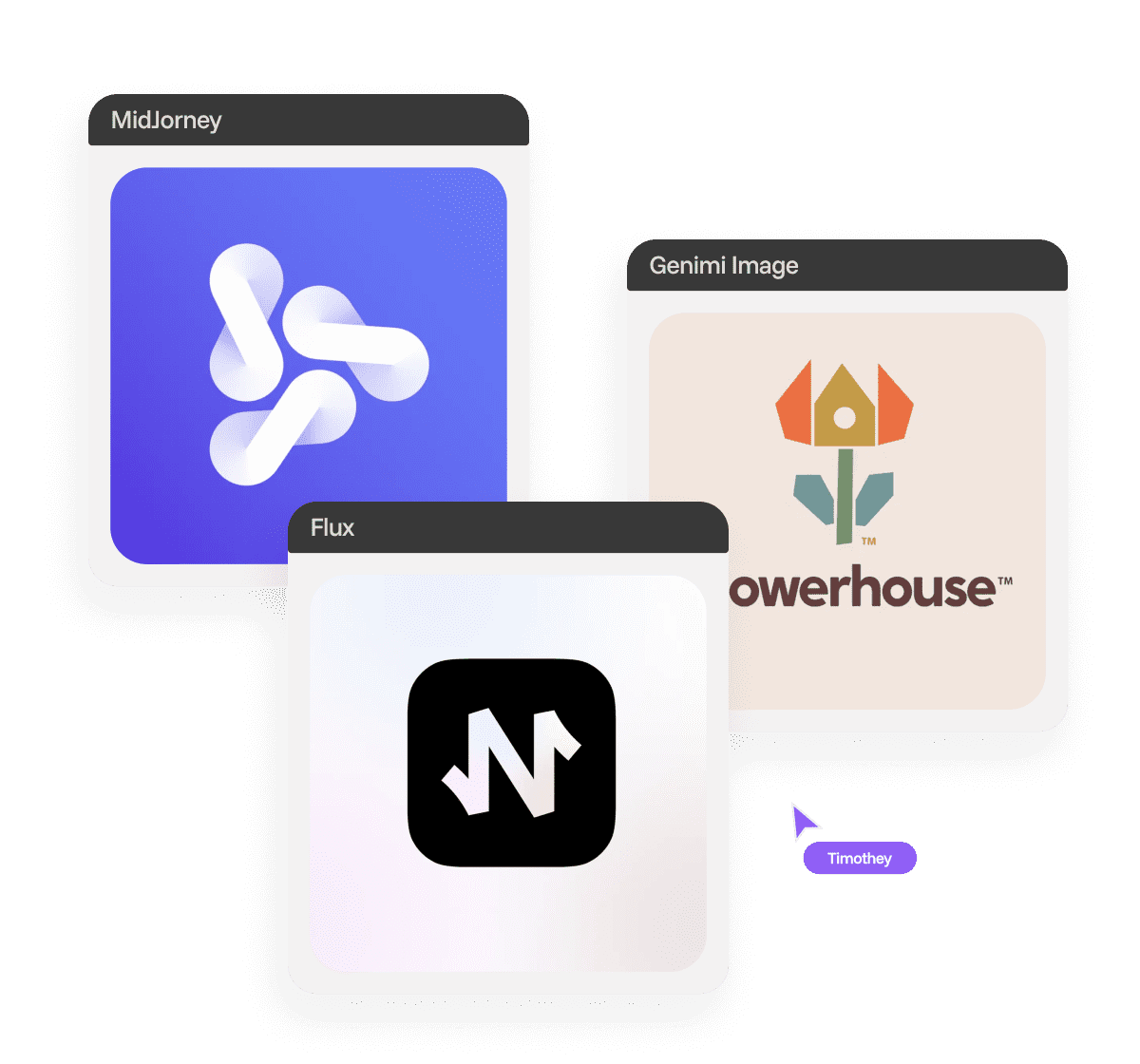
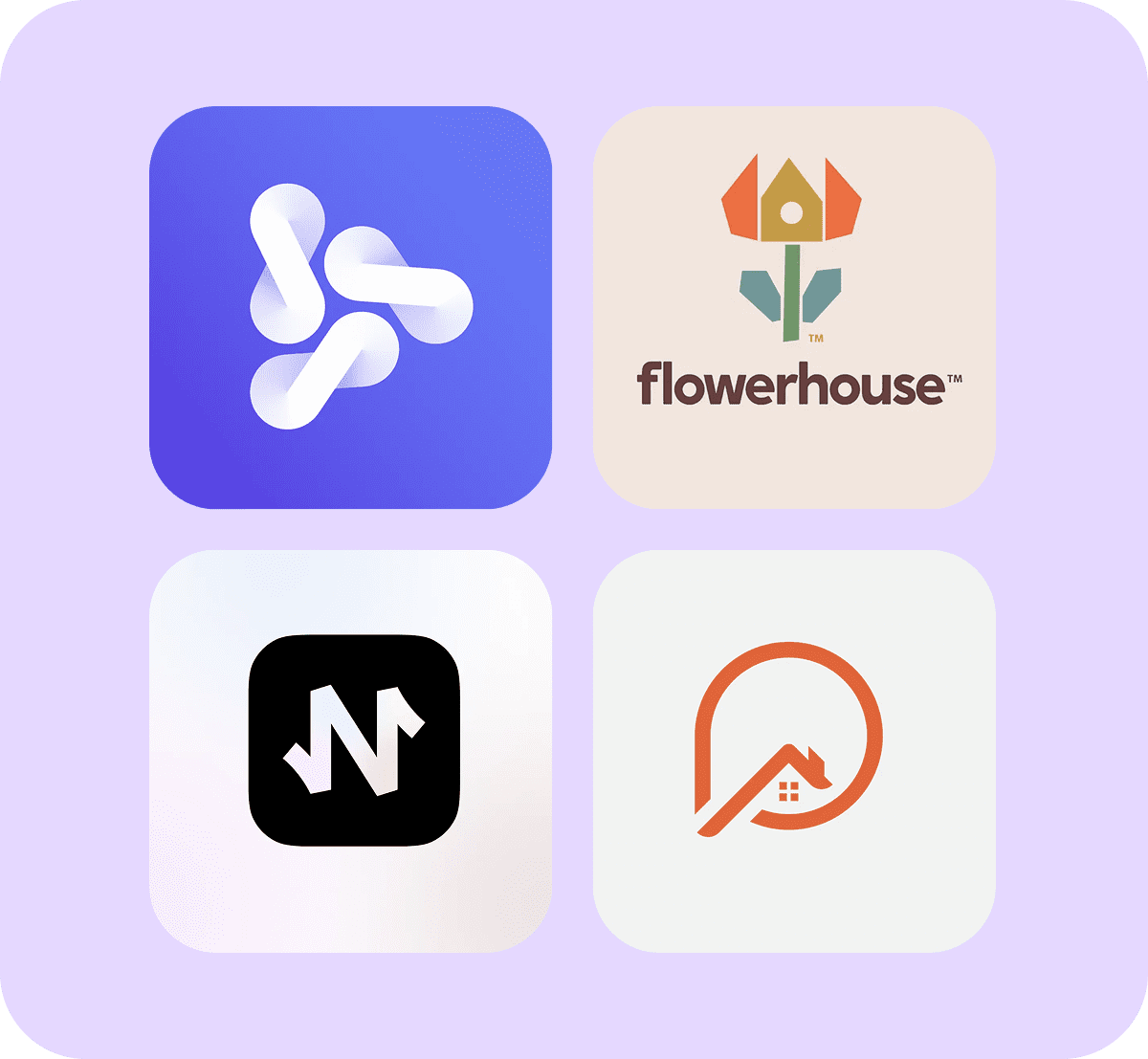
Phygital+ uses multiple ML models to deliver diverse, high-quality graphic symbols, helping you explore different styles and directions.
Each icon image is created from scratch and available as a vector file you can download and use right away.
Your own style based on your references
Create your own style or use an existing one to generate a set of icons.
You can use the AI model to create any images you want, including icons, once it has been trained to recognise the style using photos or images as references.
Why should you use
an AI icon generator?
Different AI models
for different tasks
Phygital+ provides you top AI models such as Midjourney, DALL·E 3 and FLUX.
You can regenerate icons, switch models and edit your icon until you achieve the perfect visual.
No installation,
no hassle
Create icons directly in your browser — no downloads or plugins required.
Everything you need to design and refine is built into the workspace. Just open, generate, and go!
Collaborate
with your team
Comment on drafts, tweak icon styles together or generate entire icon sets in real time.
The platform includes a full-featured editor with crop, resize, recolour and upscale tools.
Find your style
and create your set
Upload your own photos, fonts or image references to train the AI.
Once it has learned your preferred look, you can use it to generate custom icon sets that are stylistically consistent.
How it works
Making icons on Phygital+ is a simple and easy process.
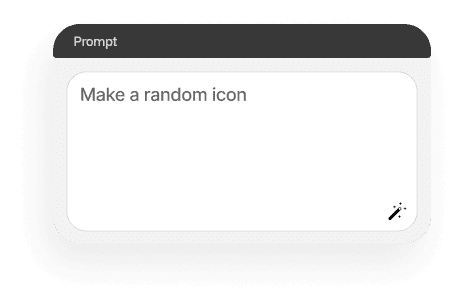
Type your prompt
Or just use one of our special tools to make one.
Try different models
They're all designed for specific tasks.
Save and use
You'll get the final result in high-res PNG or SVG.
Where can you use an AI icon generator?
With Phygital+ AI icon generator, your icons are more than just assets — they’re multifunctional, ready-to-use visuals for digital and design platforms.
- Websites and dashboards: UI components, platforms, and more
- Apps and interfaces: Mobile, tablet, desktop, Android or iOS
- Social media content: Infographics, post templates or highlights
- Brand kits: Pitch decks, templates or presentations
Tips for achieving
the best results
Don’t be afraid to experiment: switch between models, use different references, and edit as much as you like. Here are some tips for achieving great results:
- Choose a clear theme or specific style, depending on your project
- Use clear, specific prompts or use our special promt tool
- For small sizes, stick to simple shapes and high contrast
- Try different models with flexible settings to get the best result
How to download
and edit created icons
When it comes to licensing, check which model you used. Users with paid subscriptions are permitted to use them for commercial purposes.
Once you’ve created your AI icons, it’s quick and easy to make it look great.
- You can save your file as PNG, SVG or other formats
- Try out different models, regenerate them, and edit them
- Send it to Figma, Illustrator, or other tools for more advanced work
- Work with your team to edit and comment to make it perfect
Client Reviews
”Great tool as soon as you get used to it!”
Ngl in the beginning it was a bit challenging to understand how the workspace works. But as soon as i spent about 15 mins trying to figure it out, i grasped the idea and now i feel like creating images for my presentations has never been easier”
“Great tool”
I can solve all my task in one space. You can use Stable Diffsuion like u run it localy, but faster. U can use other Ai tools for images, and create nice promts in promt helper”
“The best AI app out there”
I can have all my favorite AI tools on one workspace, work with them from anywhere using a laptop and create awesome results in literally 5 minutes for my upcoming social media post, newsletter or a fun meme for my friends. Truly making me more creative and productive, as AI should be doing :).
“Fantastic node-based AI platform”
Super intuitive, fast, and efficient for creating workflows. Great for beginners and pros alike. Highly recommend!”
“Greatest tool for creators”
It has a very flexible mechanisms of NN configuration and friendly UI. This project helped me to create different pictures according to my rich imagination.”
“Node system”
Convenient service, many functions. I am very glad that I use this service).”
”Great tool as soon as you get used to it!” Ngl in the beginning it was a bit challenging to understand how the workspace works. But as soon as i spent about 15 mins trying to figure it out, i grasped the idea and now i feel like creating images for my presentations has never been easier”
“Great tool”
– Artemiy “Great tool! I can solve all my task in one space. You can use Stable Diffsuion like u run it localy, but faster. U can use other Ai tools for images, and create nice promts in promt helper”
“The best AI app out there”
I can have all my favorite AI tools on one workspace, work with them from anywhere using a laptop and create awesome results in literally 5 minutes for my upcoming social media post, newsletter or a fun meme for my friends. Truly making me more creative and productive, as AI should be doing :).
“Fantastic node-based AI platform”
Super intuitive, fast, and efficient for creating workflows. Great for beginners and pros alike. Highly recommend!”
“Greatest tool for creators”
It has a very flexible mechanisms of NN configuration and friendly UI. This project helped me to create different pictures according to my rich imagination.”
“Node system”
Convenient service, many functions. I am very glad that I use this service).”
”Great tool as soon as you get used to it!”
- Amy Ngl in the beginning it was a bit challenging to understand how the workspace works. But as soon as i spent about 15 mins trying to figure it out, i grasped the idea and now i feel like creating images for my presentations has never been easier”
“Great tool”
– Artemiy “Great tool! I can solve all my task in one space. You can use Stable Diffsuion like u run it localy, but faster. U can use other Ai tools for images, and create nice promts in promt helper”
“The best AI app out there”
– Darya “The best AI app out there, I can have all my favorite AI tools on one workspace, work with them from anywhere using a laptop and create awesome results in literally 5 minutes for my upcoming social media post, newsletter or a fun meme for my friends. Truly making me more creative and productive, as AI should be doing :).”
“Fantastic node-based AI platform”
– Dear Customer “Fantastic node-based AI platform! Super intuitive, fast, and efficient for creating workflows. Great for beginners and pros alike. Highly recommend!”
“Greatest tool for creators”
– Pavel “Greatest tool for creators. It has a very flexible mechanisms of NN configuration and friendly UI. This project helped me to create different pictures according to my rich imagination.”
“Node system”
– Sanji Tefaze “Node system, convenient service, many functions. I am very glad that I use this service).”
Best AI Tools All in One Place
Image Generation
Image and Visuals Editing
Edit and enhance visuals: face swap, background removal, upscaling to 8K, and more.
Text Instruments
Generate texts, dialogues, and scripts with AI assistants.
3D
Create and upscale textures, generate 3D objects from images.
Train Models
Train models on your data: customize style, objects, and characters.
Video
Generate and edit videos using modern AI solutions.
Image Generation
Image and Visuals Editing
Edit and enhance visuals: face swap, background removal, upscaling to 8K, and more.
Text Instruments
Generate texts, dialogues, and scripts with AI assistants.
3D
Create and upscale textures, generate 3D objects from images.
Train Models
Train models on your data: customize style, objects, and characters.
Video
Generate and edit videos using modern AI solutions.
Explore similar use cases
Free AI Stock Image Generator
Discover the power of Phygital+ AI stock images generator.
Free AI Instagram Post Generator
Create scroll-stopping Instagram posts with AI — no apps, no templates, no watermarks.
AI Face Image Editor
Edit, retouch, and enhance faces in images instantly with AI.
Free AI Superhero Generator
Generate custom superhero characters with unique costumes and powers.
Free AI Pop Art Generator
Create a pop art with AI and turn any image into a bold, vibrant statement piece.
Free AI Meme Generator
Create viral memes with AI-generated visuals and captions.
Free AI Twitch Banner Generator
Create a Twitch banner that actually fits your style — no Photoshop, no templates that scream “default.”
Free AI Sketch Generator
Turn your photos into stunning sketches with an AI sketch generator.
FAQs
Answers to common questions about using Phygital+ and generating AI-powered icons.
It’s a tool that uses different AI models to create icons based on prompts, generating unique visuals in seconds.
Yes, each icon set made by a generative AI model is unique. It’s all up to your imagination.
Yes, but it depends on the model you use and subscription you have.
You can download icons as PNG, SVG and other types of files.
Yes, you can share access and work together.
No, everything works in your browser. You can use all the tools by Phygital+ online.
Yes, you can use style presets or prompts to make groups of icons that match each other.
Yes, it has tools that let you cut out parts of a picture, change the size, adjust the quality and remove backgrounds.
Start for free
Create logos, mockups, and brand visuals in one place.