

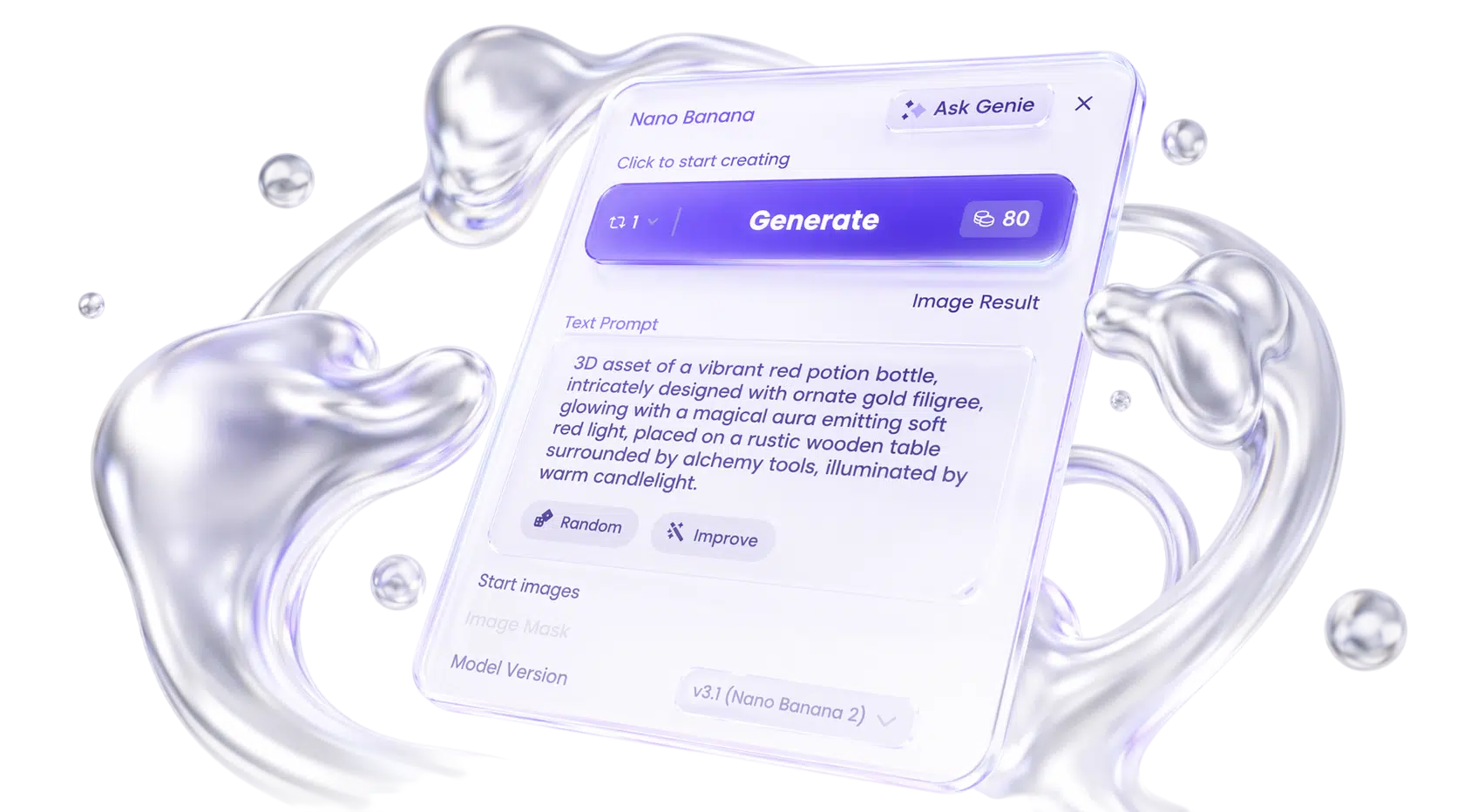
Nano Banana Pro guide: how to create text-accurate posters, ads, and 4K brand visuals in Phygital+
Learn how to use Nano Banana Pro (Gemini 3 Pro Image) for accurate in-image text, multi-reference brand visuals, and studio-quality edits. Includes version comparison, prompts, FAQ, and Phygital+ workflow ideas.
FLUX.2 guide: how to create photoreal product visuals and multi-reference edits in Phygital+
Learn how to use FLUX.2 for photoreal image generation, multi-reference consistency, and production edits. Includes variant comparison, prompt structure, examples, FAQ, and Phygital+ workflow ideas.
Midjourney guide: how to create cinematic key art, style systems, and campaign visuals in Phygital+
Learn how to use Midjourney for cinematic images, style consistency, Draft Mode iteration, and campaign key art. Includes version comparison, prompt structure, examples, FAQ, and Phygital+ workflow ideas.
Recraft V4 guide: how to create logos, vectors, and text-heavy brand assets in Phygital+
Learn how to use Recraft V4 for design-grade raster images, native SVG vectors, and readable in-image text. Includes version comparison, prompt structure, practical examples, FAQ, and Phygital+ workflow ideas.
ChatGPT Image 2.0 guide: how to prompt like a designer after the April 2026 update
Learn what changed in ChatGPT Image 2.0 after the April 2026 update, how to prompt it like a designer, and how to use its new text, layout, and editing controls in real workflows.
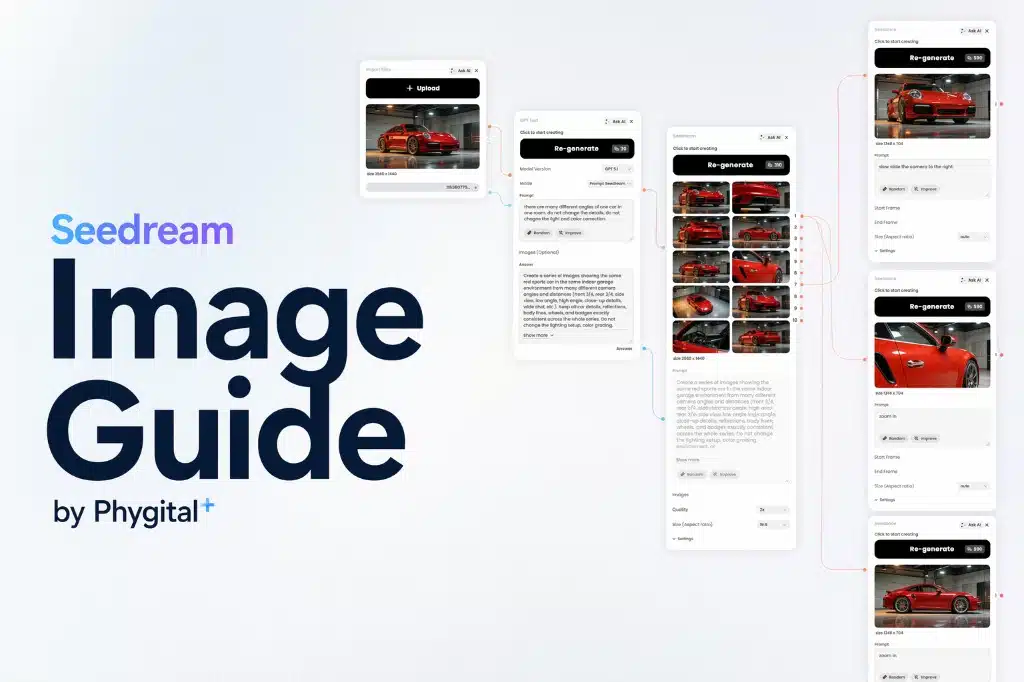
Seedream 5.0 image guide: how to create better posters, edits, and structured visuals in Phygital+
Learn how to use Seedream 5.0 for posters, infographics, editing, and multi-reference workflows in Phygital+. Compares 5.0 vs 4.5, prompt examples, and 40-credit pricing.