


young spanish lady

casual outfit

change the outfit into the outfit from reference

A woman in a black dress holds a pen and a paper sheet


A woman in a black dress holds a tablet
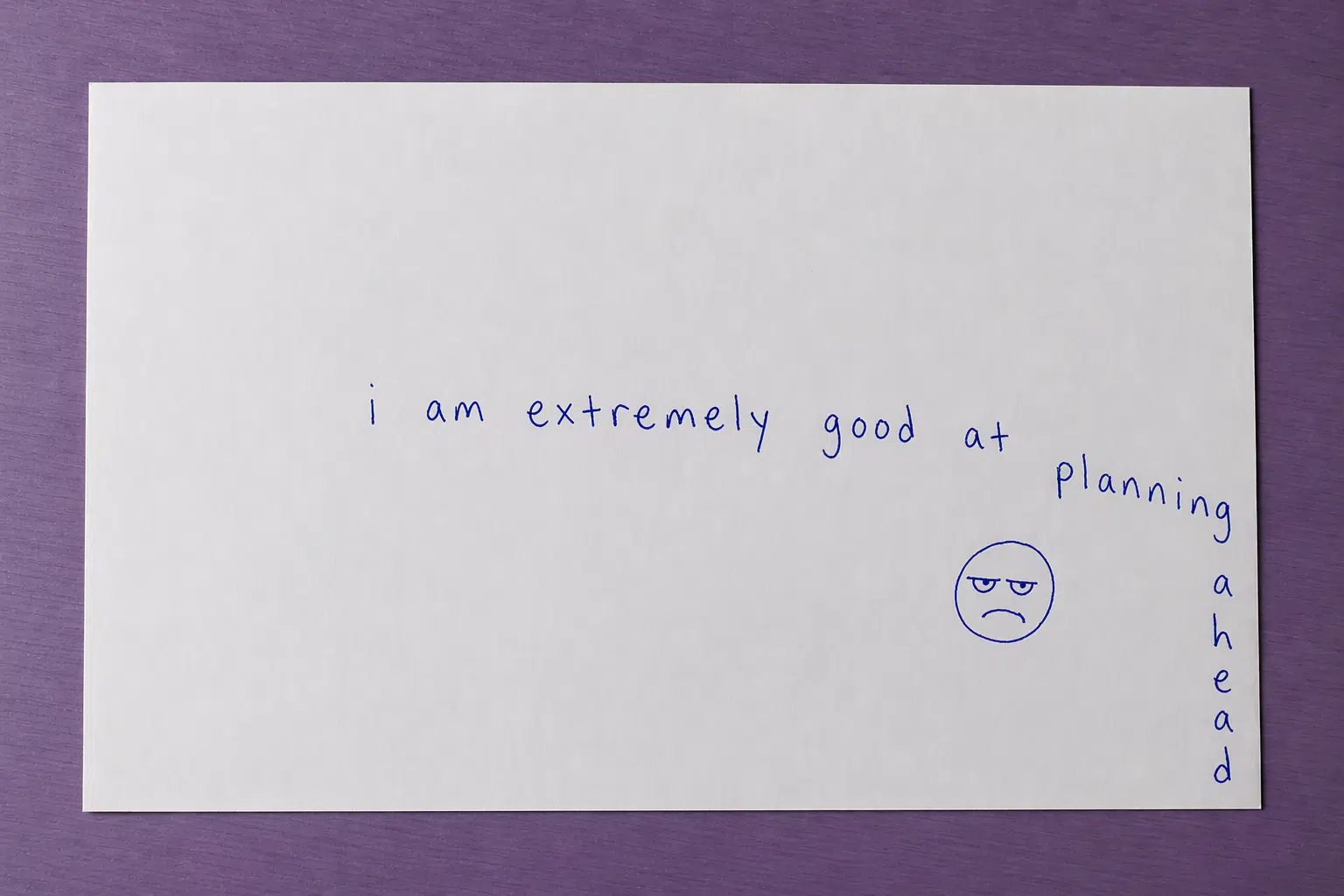
ChatGPT Image 2.0 guide: how to prompt like a designer after the April 2026 update
Learn what changed in ChatGPT Image 2.0 after the April 2026 update, how to prompt it like a designer, and how to use its new text, layout, and editing controls in real workflows.
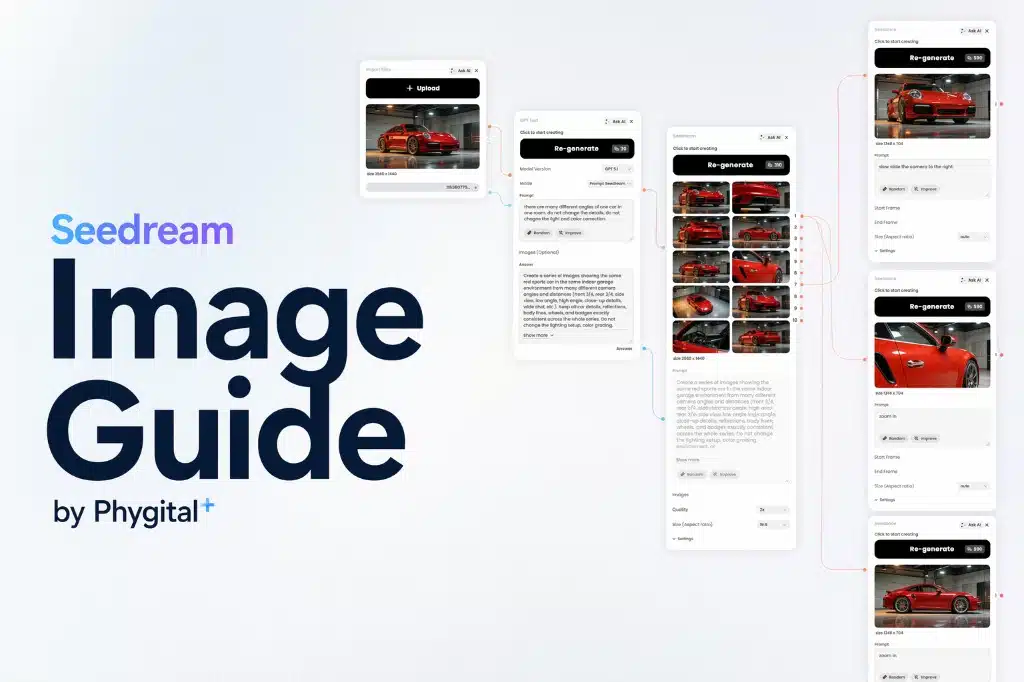
Seedream 5.0 image guide: how to create better posters, edits, and structured visuals in Phygital+
Learn how to use Seedream 5.0 for posters, infographics, editing, and multi-reference workflows in Phygital+. Compares 5.0 vs 4.5, prompt examples, and 40-credit pricing.

Long-Form vs Short-Form Video Content: What Works Best in 2026?
Explore the difference between long-form and short-form video content and find out where each format fits best.
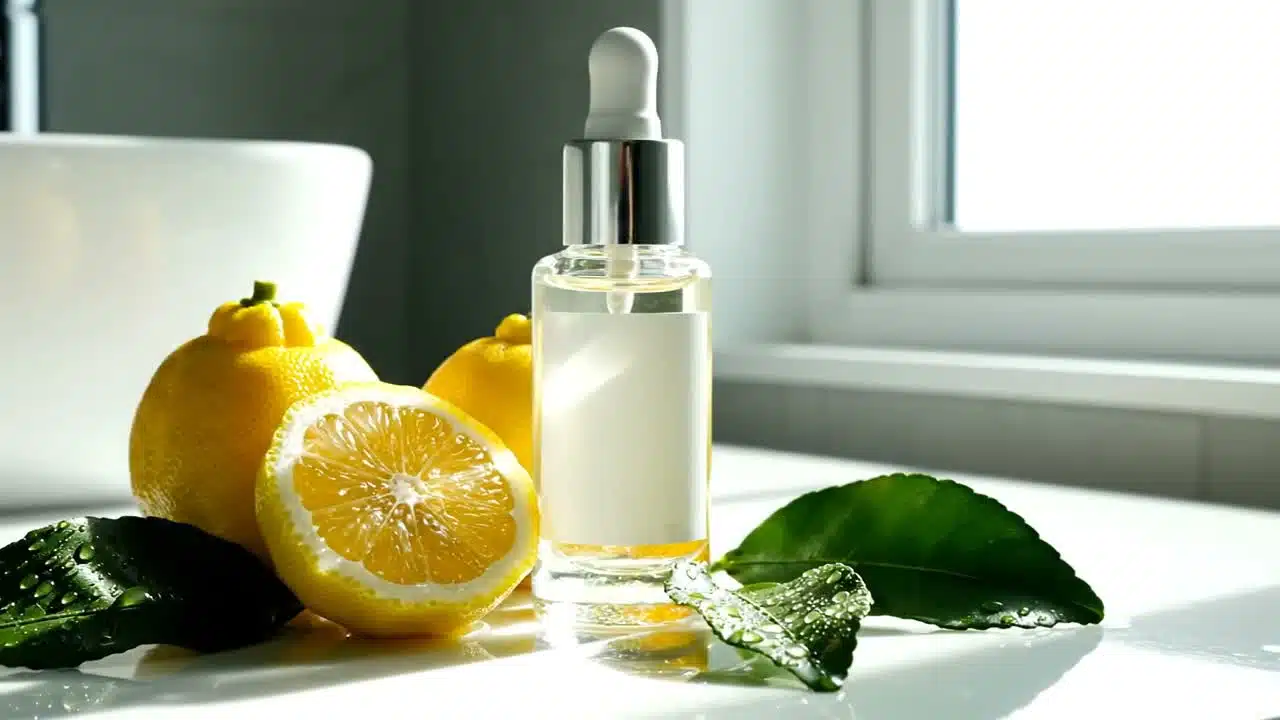
Veo 3.1 prompts guide: how to create cinematic videos with audio, references, and more control
Learn how to use Veo 3.1, Veo 3.1 Fast, and Veo 3.1 Lite for cinematic AI video generation with audio, reference images, first-and-last-frame transitions, and more controlled prompt workflows in Phygital+.
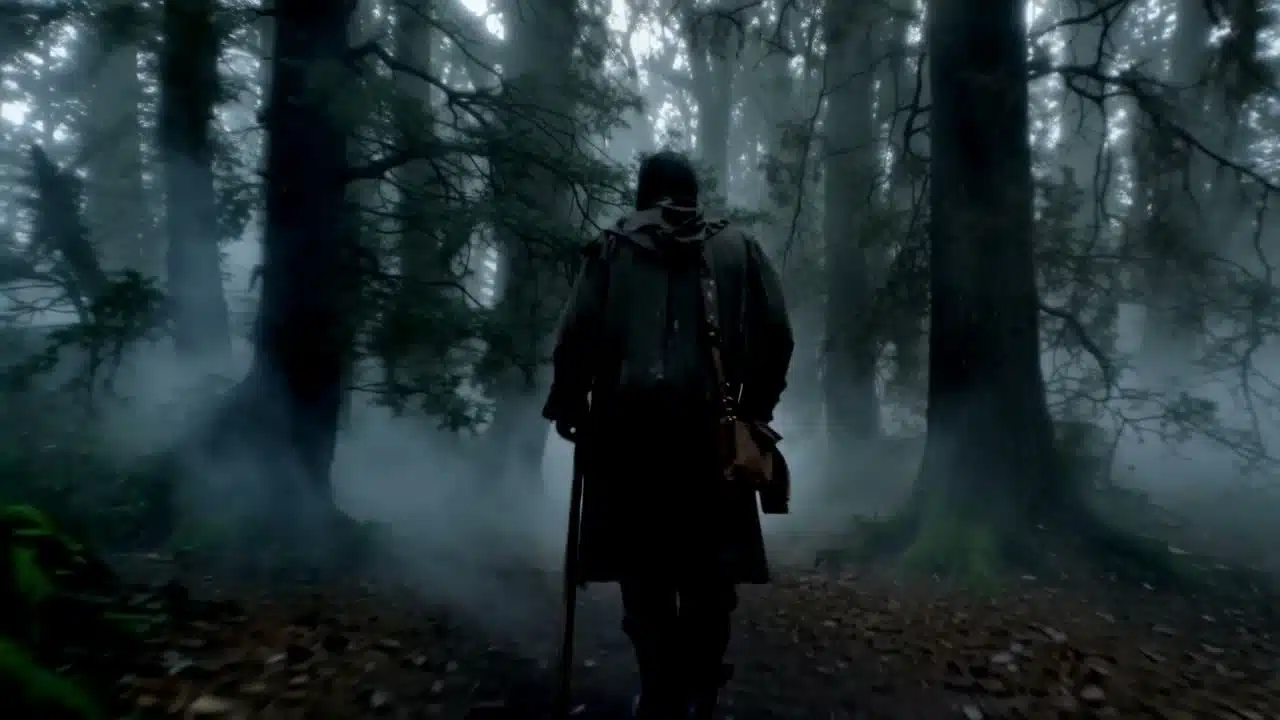
Why AI-generated videos still need post-production
AI video generation can create impressive first drafts, but post-production still matters. A practical guide to cleanup, pacing, audio, captions, reframing, and publish-ready workflows.

Runway AI prompts guide: how to create cinematic videos and edit shots with more control
Learn how to use Runway for AI video generation and editing with Gen-4.5, Gen-4 Turbo, and Aleph. A practical guide to prompt structure, version differences, edit workflows, and cinematic prompt examples for creators and marketing teams.