Speech and effects in one node
Narration and sound effects come out of the same node. Switch Mode and the text input goes from a script to a description of a sound, so a voice track and its ambience do not need two separate tools.

 EN
EN
EN
EN
Sound Creation turns text into audio two ways. In text-to-speech mode it reads your script in a chosen voice. In sound effects mode it generates a clip from a written description of a sound, from a door closing to rain on a tin roof.
It runs on ElevenLabs with six model versions to pick from, ten voice presets, and support for custom Voice IDs built elsewhere on the canvas. Continuity fields let a series of clips hold the same tone instead of drifting between takes.

Voice-over for ads, demos, explainers, tutorials, and UI previews, plus short foley and ambience
Content, product, and localisation teams that need audio without booking a studio
Voice-over and sound effects from one node, with continuity controls and reusable voices.
Narration and sound effects come out of the same node. Switch Mode and the text input goes from a script to a description of a sound, so a voice track and its ambience do not need two separate tools.

eleven_v3 for expressive delivery, Multilingual v2 for steady neutral narration, Flash and Turbo v2.5 when speed and enforced language codes matter. One dropdown covers the trade-off instead of a different product per case.

Previous text and Next text tell the model what surrounds the current line, so a series of clips keeps its tone and pacing instead of drifting. That matters when a script is split across a dozen generations.

Ten voice presets cover most narration and character needs. Beyond those, design a voice from a written brief with Voice Creation or clone one with Voice Clone, then paste the Voice ID here and reuse it indefinitely.

Punctuation controls breathing and pauses, and bracketed directions like [whispering] shape delivery. It is closer to marking up a script for an actor than to configuring a synthesiser.
Sound Creation fits wherever a video, demo, or prototype needs a voice track and booking a studio would take longer than the edit itself.


Pick a mode, write the text, choose a voice, and generate.

Leave Mode on text to speech for narration, or switch it to sound effects to generate a sound from a description. The same text input feeds both.

Type the script or the sound description. Pick a voice preset, or paste a Voice ID from Voice Creation or Voice Clone. Keep eleven_v3 for expressive delivery, or switch to Flash or Turbo v2.5 when you also need to enforce a language code.

Use punctuation for natural pauses and bracketed directions such as [whispering] for delivery. For a series of clips, fill Previous text and Next text so tone carries across them. Fix a seed to reproduce a take, then chain the audio into a video node or export it.


One subscription across 30+ AI models, with no per-tool credit balances or separate signups. Credit cost per generation is shown live in the node before you run it.
500 weekly credits to test the node and hear the output quality. No credit card required.
45,000 monthly credits with cheaper per-credit pricing, commercial rights, and full downloads.
90,000 monthly credits, up to 10 seats, shared workspace, centralized billing, and priority support.
210,000 monthly credits, API and integration support, unlimited seats, and dedicated management.
Full specs for Sound Creation in Phygital+.
How Sound Creation fits alongside the other audio nodes in Phygital+.
Chain scripting, voice design, narration, and video into one repeatable workflow.
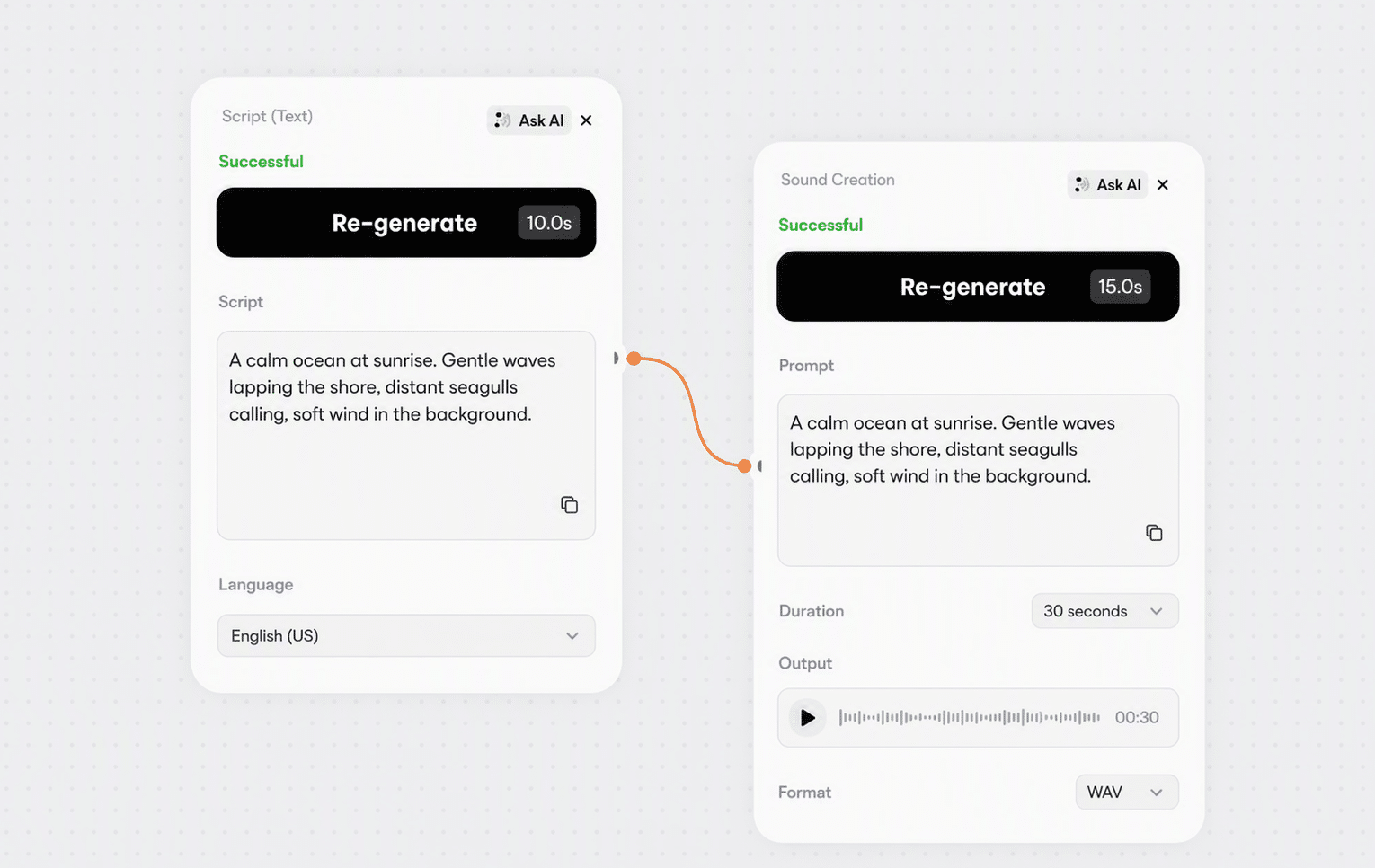
Write or translate the script in a text node, then feed it straight into Sound Creation so copy and voice-over stay in sync.
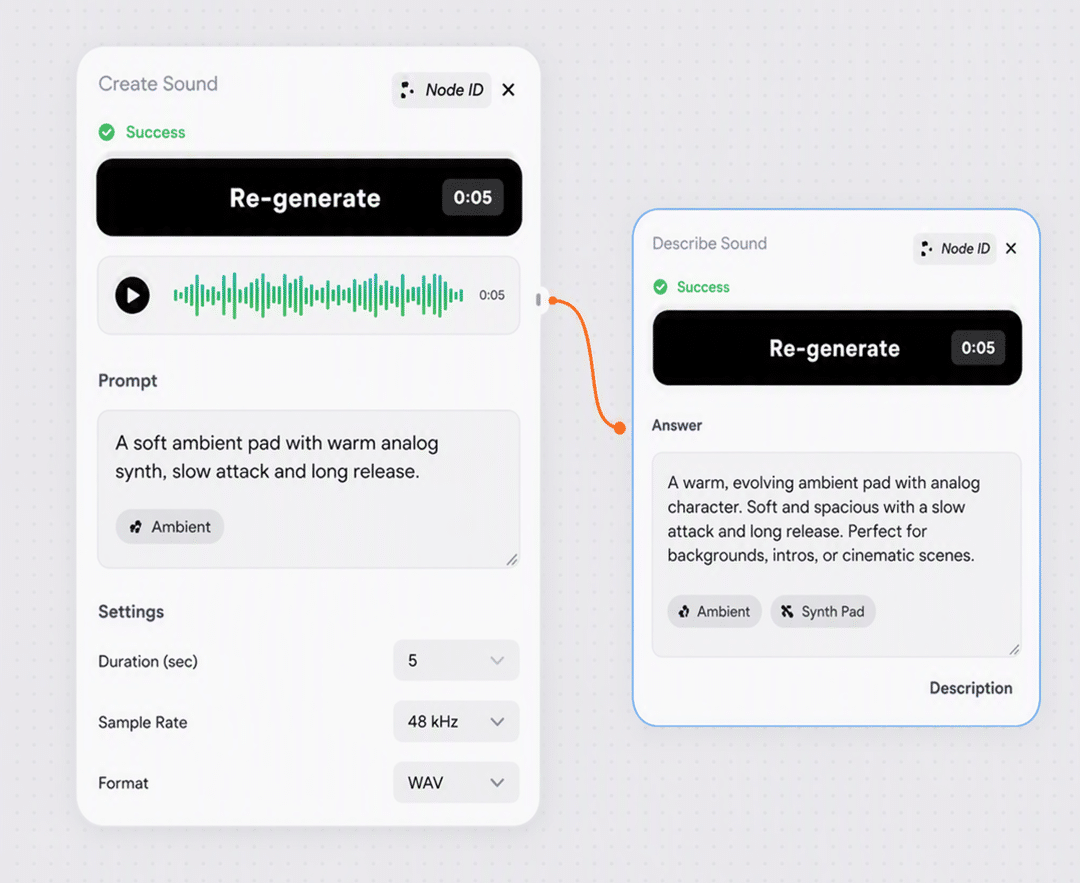
Design a voice from a written brief, or clone one from a recording, then paste the Voice ID into the custom voice field.

Generate the visuals in a video node and lay the narration underneath, or feed the audio in as a rhythm reference.

Switch the node to sound effects mode for ambience and foley, then layer those takes under the voice track.
Everything you need to know about Sound Creation in Phygital+.
Sound Creation is the Phygital+ node for turning text into audio via ElevenLabs. It has two modes. Text to speech reads your script in a chosen voice. Sound effects turns a written description of a sound into an audio clip. Both run from the same node and the same text input.
Six: eleven_v3, Multilingual v2, Turbo v2 and v2.5, and Flash v2 and v2.5. v3 is the default and the most expressive. Multilingual v2 is steadier for neutral narration. Turbo and Flash v2.5 are the fast options and the only ones that respect the Language code field.
Switch Mode to sound effects and describe the sound instead of writing dialogue. Specificity does the work: heavy rain hitting a tin roof with thunder gives a far better result than rain. Duration runs from 0.5 to 22 seconds, and 3 to 10 seconds is the useful range for most foley and ambience.
The node ships with ten presets covering narration, news delivery, character, educational, and conversational voices. For anything beyond those, build a voice with Voice Creation or clone one with Voice Clone, then paste the resulting Voice ID into the custom voice field.
Punctuation carries prosody, so commas and full stops control breathing and pauses. Bracketed stage directions such as [whispering] or [excitedly] work on v3, though results vary by voice. When generating a series of clips, fill in Previous text and Next text so the model knows what came before and after and keeps the tone consistent.
The Language code field enforces a specific language, but only on Flash v2.5 and Turbo v2.5. On other models the field is ignored. If you need to lock the output language rather than let the model infer it from the text, pick one of those two models.
Fix the seed. The same seed with the same text and voice reproduces the same take, and changing it gives you a different read of the identical script. It is the fastest way to audition several deliveries of one line.
Usage is credit-based and included in every plan, from Free up to Enterprise. The credit cost per generation is shown in the node before you run it, so there is no separate ElevenLabs subscription to manage.
Outputs created on any paid plan come with commercial-use rights. Make sure you have permission for any voice cloned from a real person before publishing.
Browse the full catalog of 30+ AI models available in Phygital+.
Join 100+ teams using Phygital+ – every model in one workspace
Try Phygital+ free